

Overview
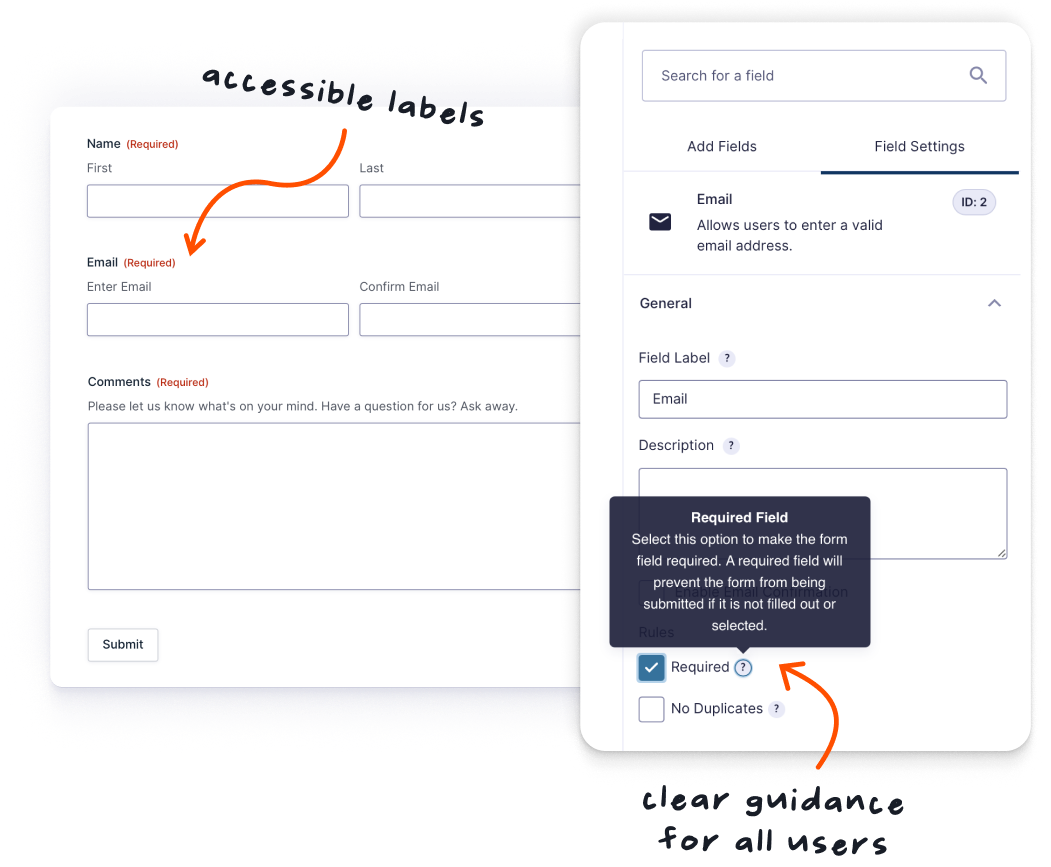
Building WCAG 2.1 AA-compliant forms is easier with Gravity Forms 3.0. Accessible settings are now on by default for every new form you create, and a series of additional improvements help you to build more inclusive forms from the get-go.
What’s New
Accessibility enabled by default
Accessible form settings are now automatically enabled in all new Gravity Forms forms. This helps reduce manual configuration effort and inadvertent mistakes when working towards meeting WCAG 2.1 AA standards for your forms. Existing sites can enable these settings at any time via the form settings.
Improved Datepicker accessibility
Datepickers now use the WhatSock library instead of jQuery UI for improved keyboard navigation and screen reader support. Input masks have been updated to use imaskjs, a vanilla JavaScript solution that loads asynchronously and removes jQuery dependencies. Character count functionality has also been modernized.
Consistent button markup
Form submit buttons now use semantic <button> elements instead of <input type="submit"> or <input type="button">. This improves styling flexibility and creates more consistent, accessible button markup across your forms.
Unified Choice Alignment setting
Checkbox, Radio, and Multiple Choice fields now share a single Choice Alignment setting with three options: vertical (single-column), horizontal (inline), and columns. This replaces the previous mixed approach and makes it easier to control choice layout consistently across all choice-based fields.
More resources
Refer to our Accessibility Guide for Developers for detailed implementation guidance. For accessibility issues, contact support with details of the problem.