Pre-Requisites
To download an Add-On, you must be have at least one active Gravity Forms license of the appropriate level. To see which Add-Ons are available with your license type, review our Add-Ons page. If you own multiple license types, you will have access to downloads based on the highest level of active license you own.
Download from your Account Dashboard
To download an Add-On via our Customer Account Dashboard, follow these steps:
- Navigate to your Gravity account login page and log in with your credentials.
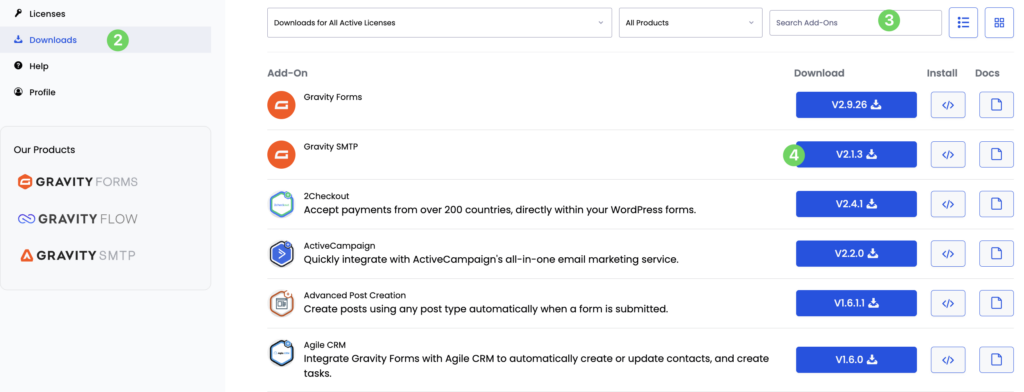
- Click Downloads in the left-hand navigation menu to view all available files.
- Find the add-on and version you require. You can use the filters or search bar at the top of the list.
- Click the Download button.
- Your next step is to install the add-on to your WordPress site. Refer to this article for the various installation methods.
Note: Files will be downloaded as a ZIP archive. Do not unzip it (or allow your browser to unzip it automatically). The installation process involves uploading in a ZIP format.
Download (and install) from your WordPress Admin
You can also download and install directly from the admin area of your WordPress site.
- Log in to your WordPress website dashboard
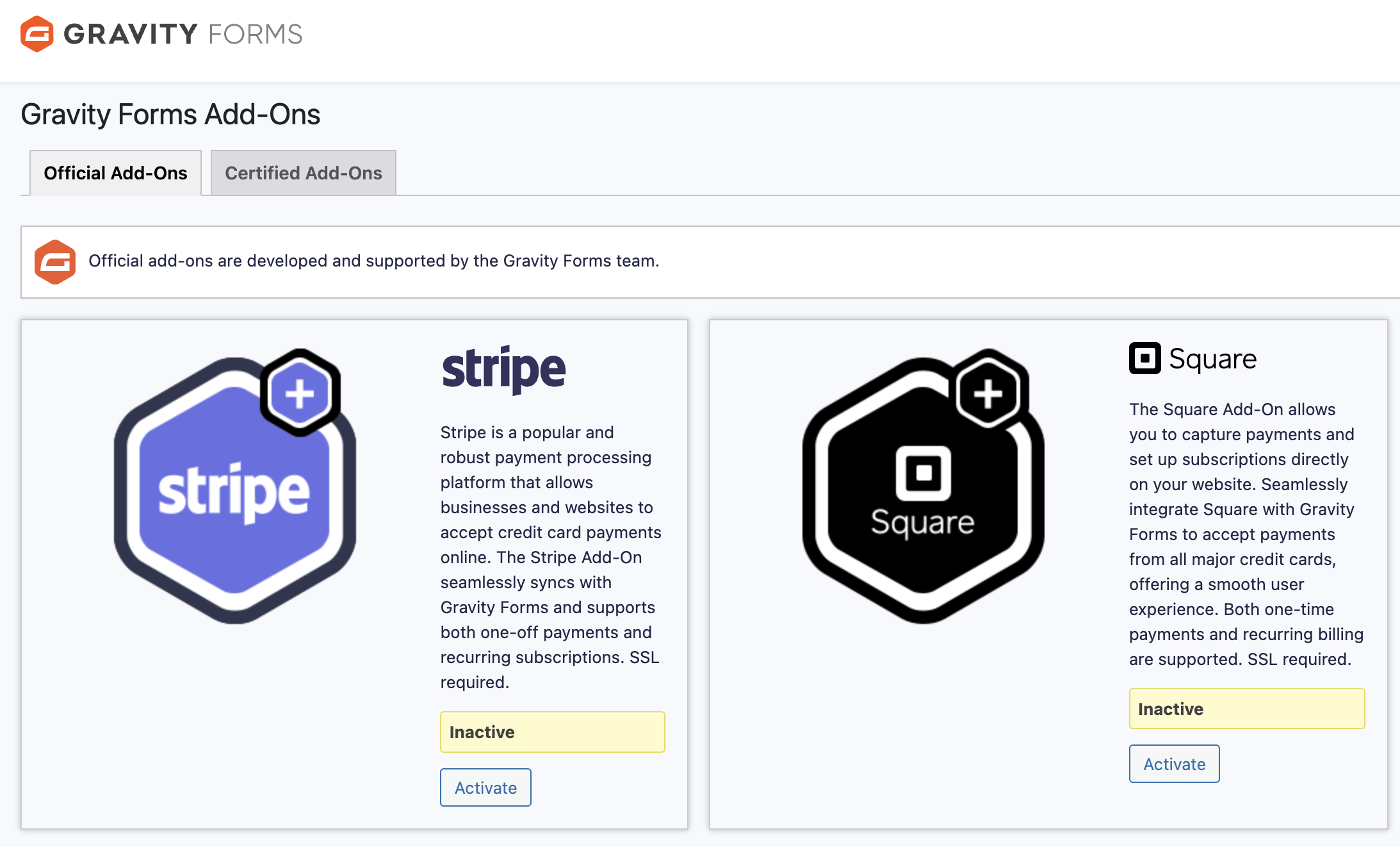
- Navigate to Forms > Add-Ons.
- From here, you can install any official Gravity Forms Add-On that is permitted by your license level. Refer to this article for more information.