Introduction
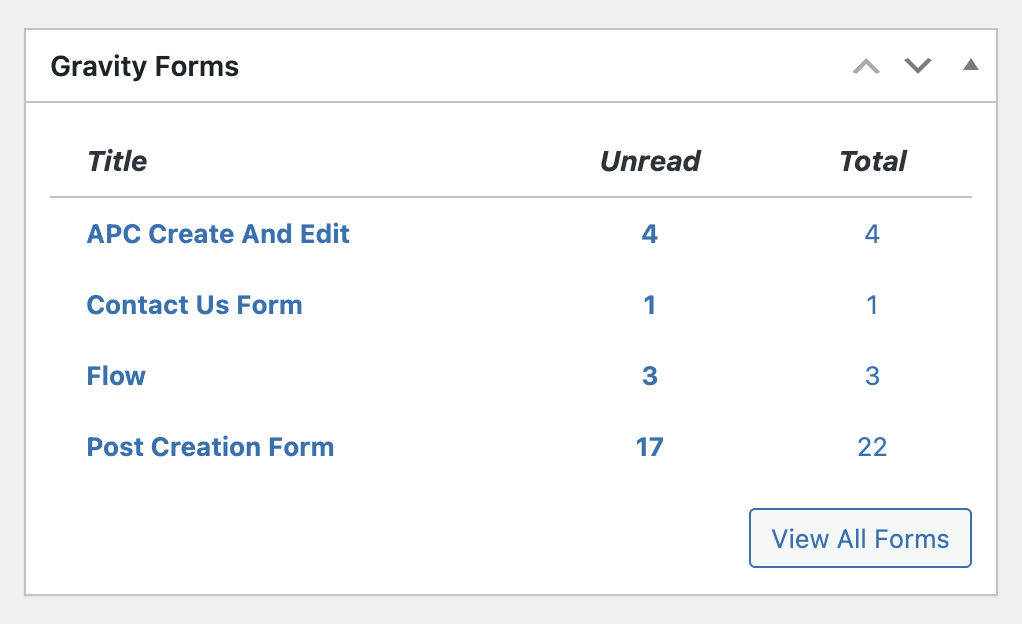
The dashboard widget is installed automatically when you activate Gravity Forms and can be accessed from the WordPress Dashboard. You can quickly see which forms have unread entries, how many unread entries, and the total number of entries per form. Clicking the form name or the number of entries will take you to the Entries screen for that form.
Enable the Widget
- Go to Forms > Settings.
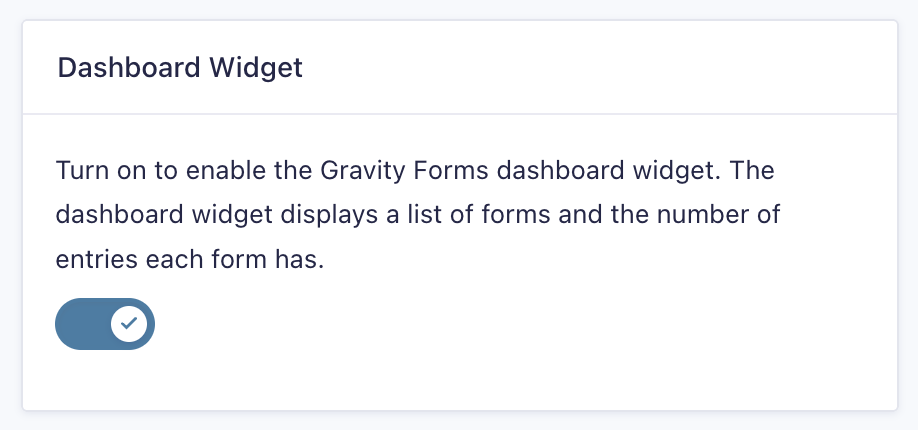
- Enable the Dashboard Widget.
- Save Settings.