

Description
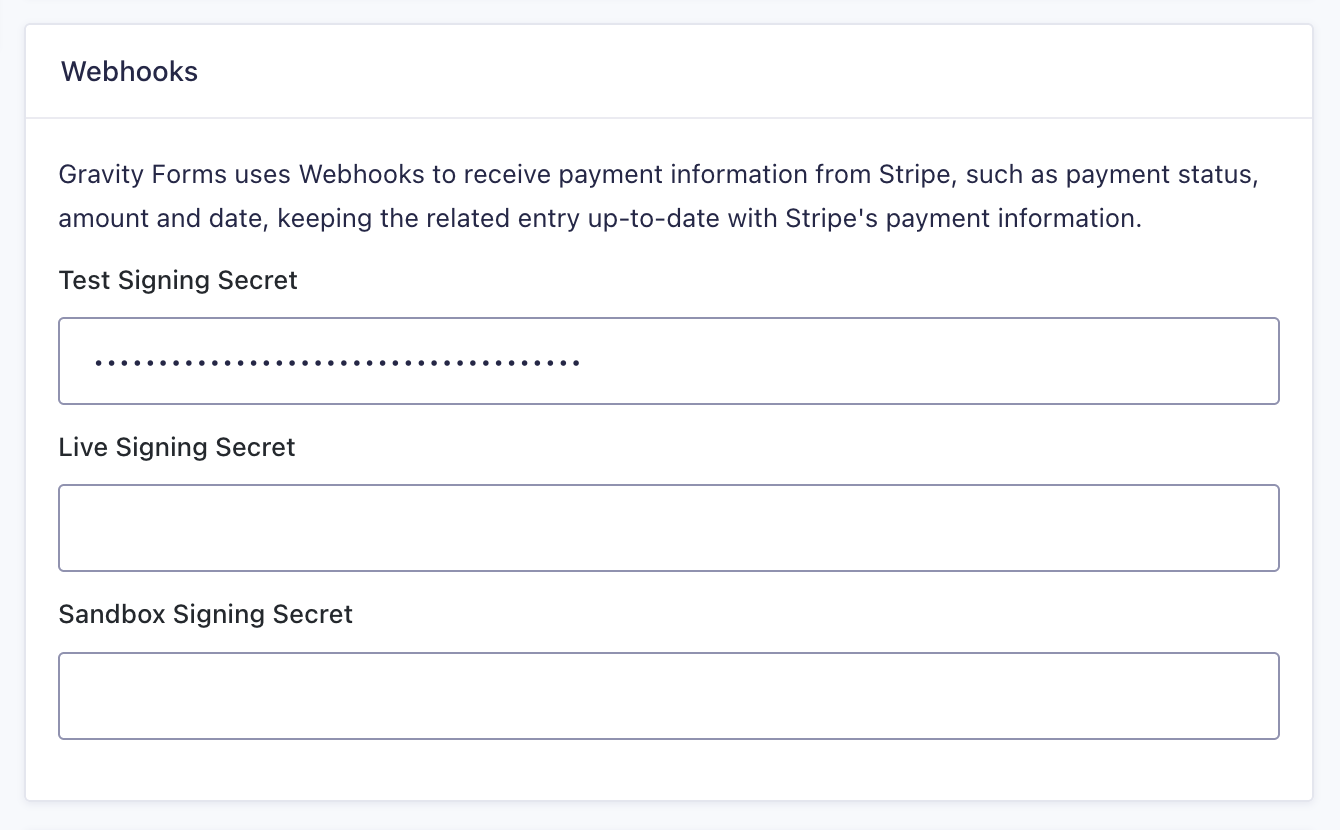
The gform_stripe_manual_webhook_configuration filter enables manual webhook configuration for the Stripe Add-On.
Note: Use this filter when you configure webhooks in the Stripe Dashboard yourself and only need to enter the signing secrets in Gravity Forms.
Usage
add_filter( 'gform_stripe_manual_webhook_configuration', 'your_function_name' );
Parameters
| Variable | Type | Description |
|---|---|---|
| $manual_webhook_configuration | bool | Defaults to false; return true to enable manual webhook configuration. |
Examples
Enable manual webhook configuration.
The following example enables manual webhook configuration, allowing you to enter signing secrets directly in the Stripe settings.
add_filter( 'gform_stripe_manual_webhook_configuration', '__return_true' );
Placement
This code can be used in the functions.php file of the active theme, a custom functions plugin, a custom add-on, or with a code snippets plugin.
See also the PHP section in this article: Where Do I Put This Code?
Since
This hook was added in Stripe version 7.0.0
Source Code
This hook is located in includes/webhooks/class-admin.php.