

Introduction
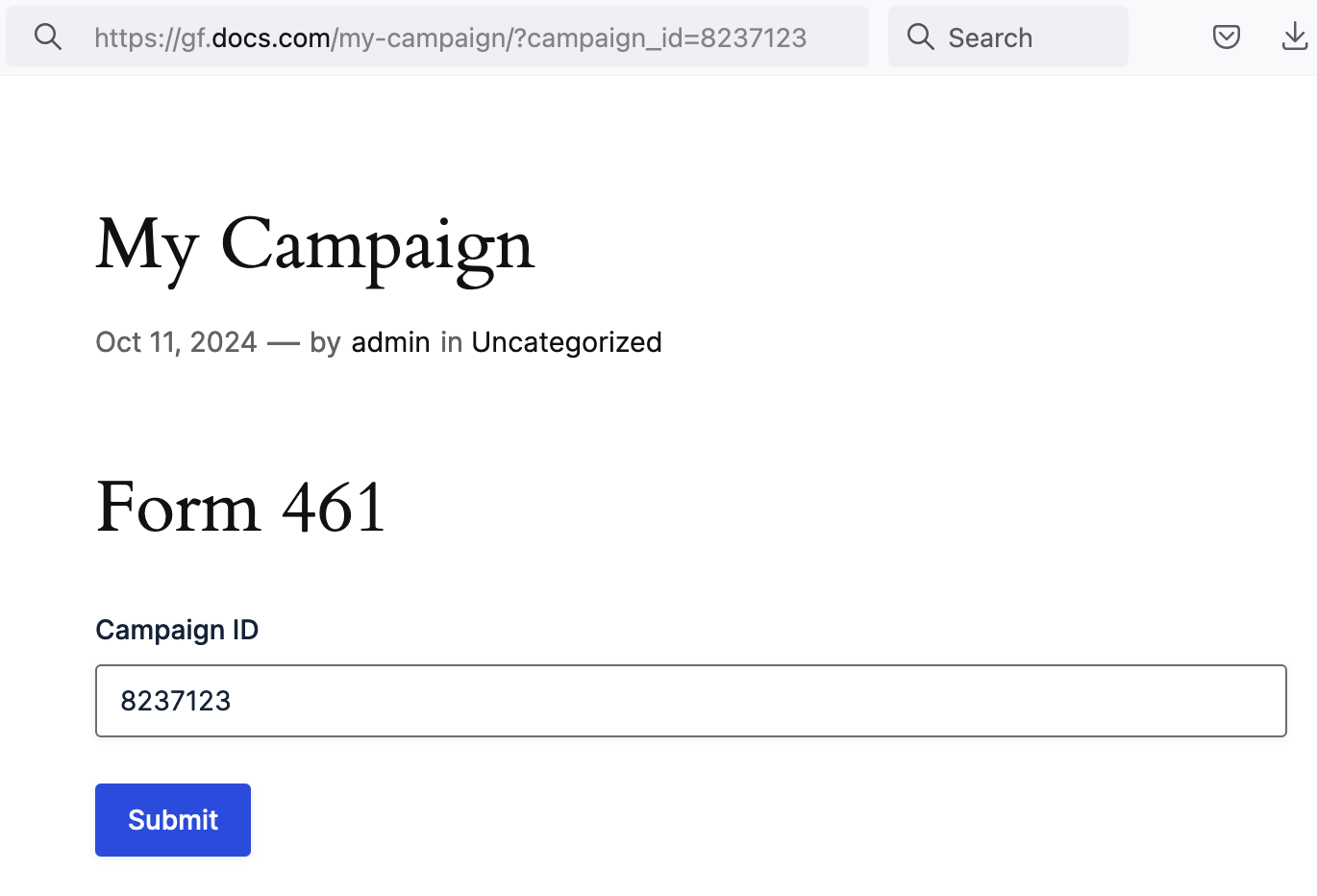
Using dynamic population in Gravity Forms allows you to dynamically populate a field with a value (or values depending on the field type). This value can be passed via Query Strings, Shortcode and/or Hooks.
Note: This guide explains how to enable dynamic population for a field. To set a default value for a field refer to this article.
Enable Dynamic Population
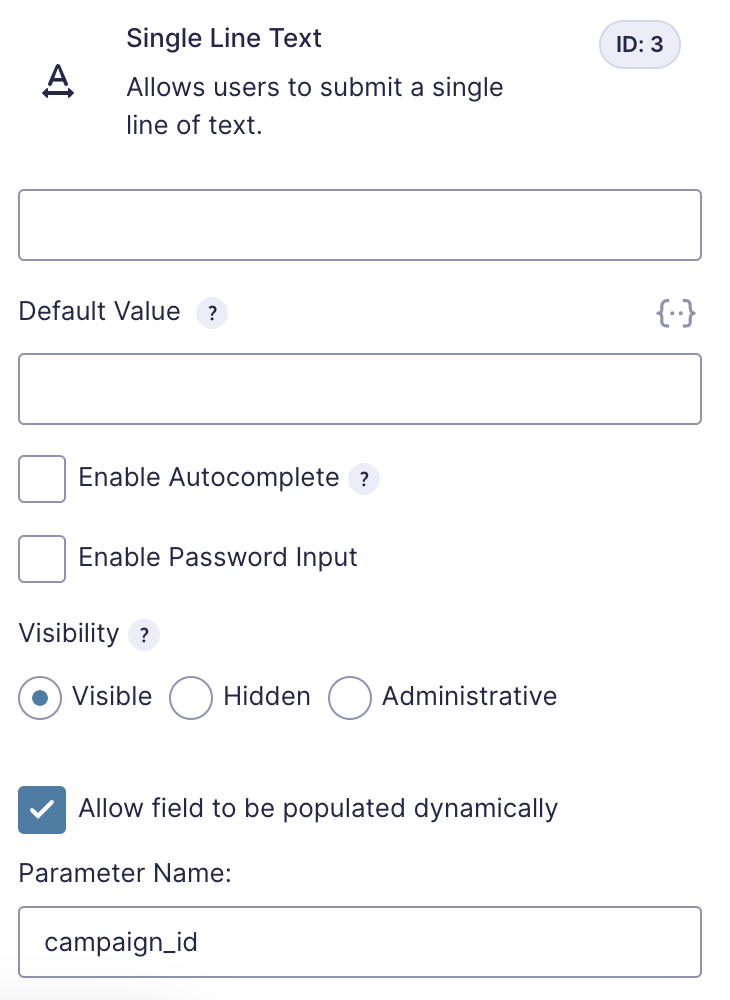
To enable dynamic population for a field, you will go to the field’s Advanced Settings Section and check “Allow field to be populated dynamically”. For choice-based fields that support dynamic population, the dynamic value will be selected if the specified value already exists.
After checking this option, you will need to specify the name of the parameter you will be using to pass data to this field.
Note: Parameter names are case-sensitive, so parameter_name and PARAMETER_NAME won’t match.
Further Reading
For more detailed information on how to dynamically populate a field and known limitations, please see our documentation on dynamic population.