

Description
This article provides a detailed description of all available settings for the AbuseIPDB Add-On. For setup instructions, refer to the AbuseIPDB Setup article.
Basic Settings
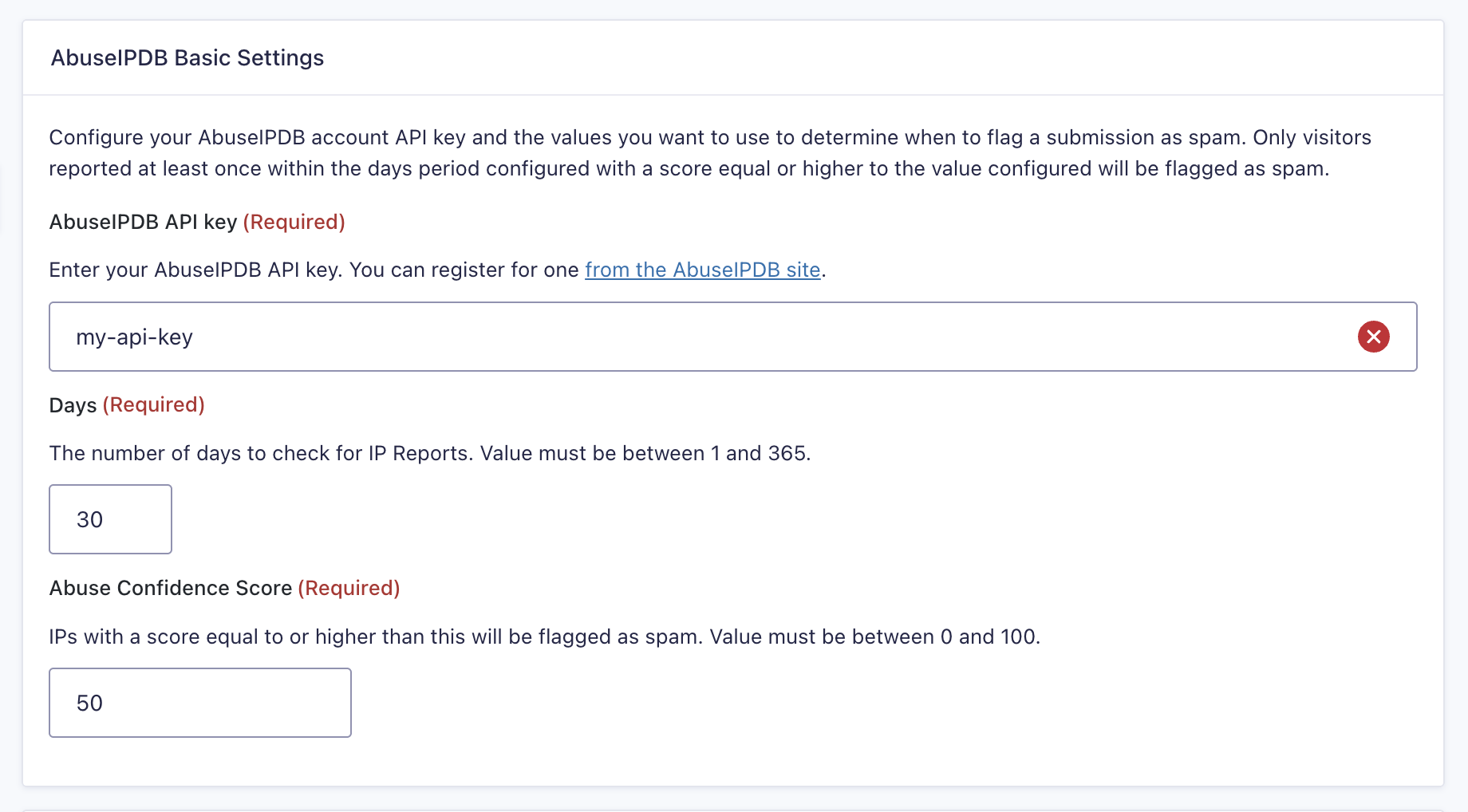
Configure your AbuseIPDB account API key and the values you want to use to determine when to flag a submission as spam. Only visitors who are reported at least once within the configured period and have a score equal to or higher than the configured value will be flagged as spam.
| Setting | Description |
|---|---|
| AbuseIPDB API Key | Enter your AbuseIPDB API key. You can register for one from the AbuseIPDB site. Required |
| Days | The number of days to check for IP reports. Value must be between 1 and 365. Required |
| Abuse Confidence Score | IPs with a score equal to or higher than this value will be flagged as spam. Value must be between 0 and 100. Required |
AbuseIPDB by default
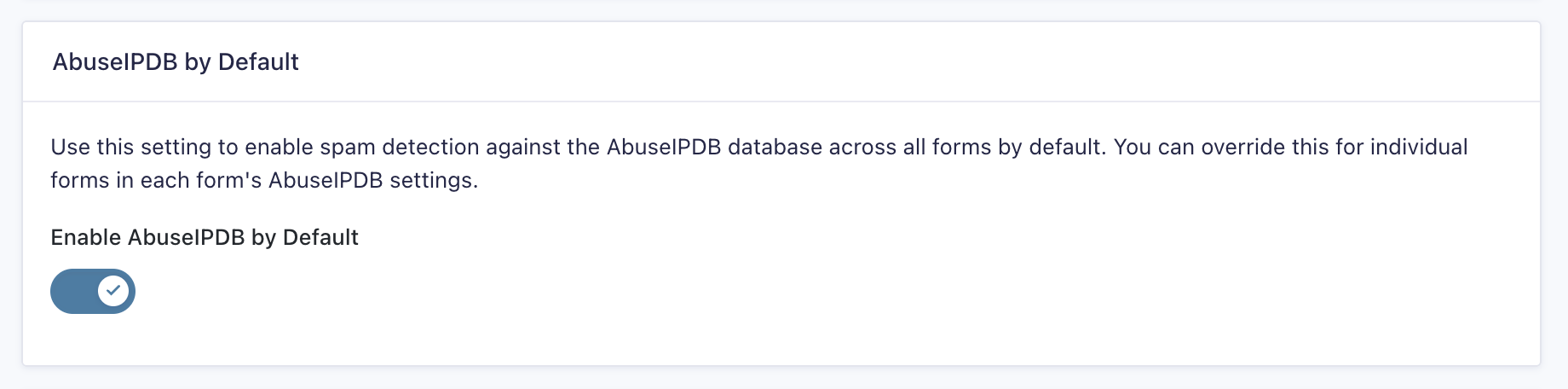
Once you’ve configured AbuseIPDB, it’s disabled for all forms by default. To enable it globally, go to Forms → Settings → AbuseIPDB and toggle “Enable AbuseIPDB by Default.”
Blocklist Settings
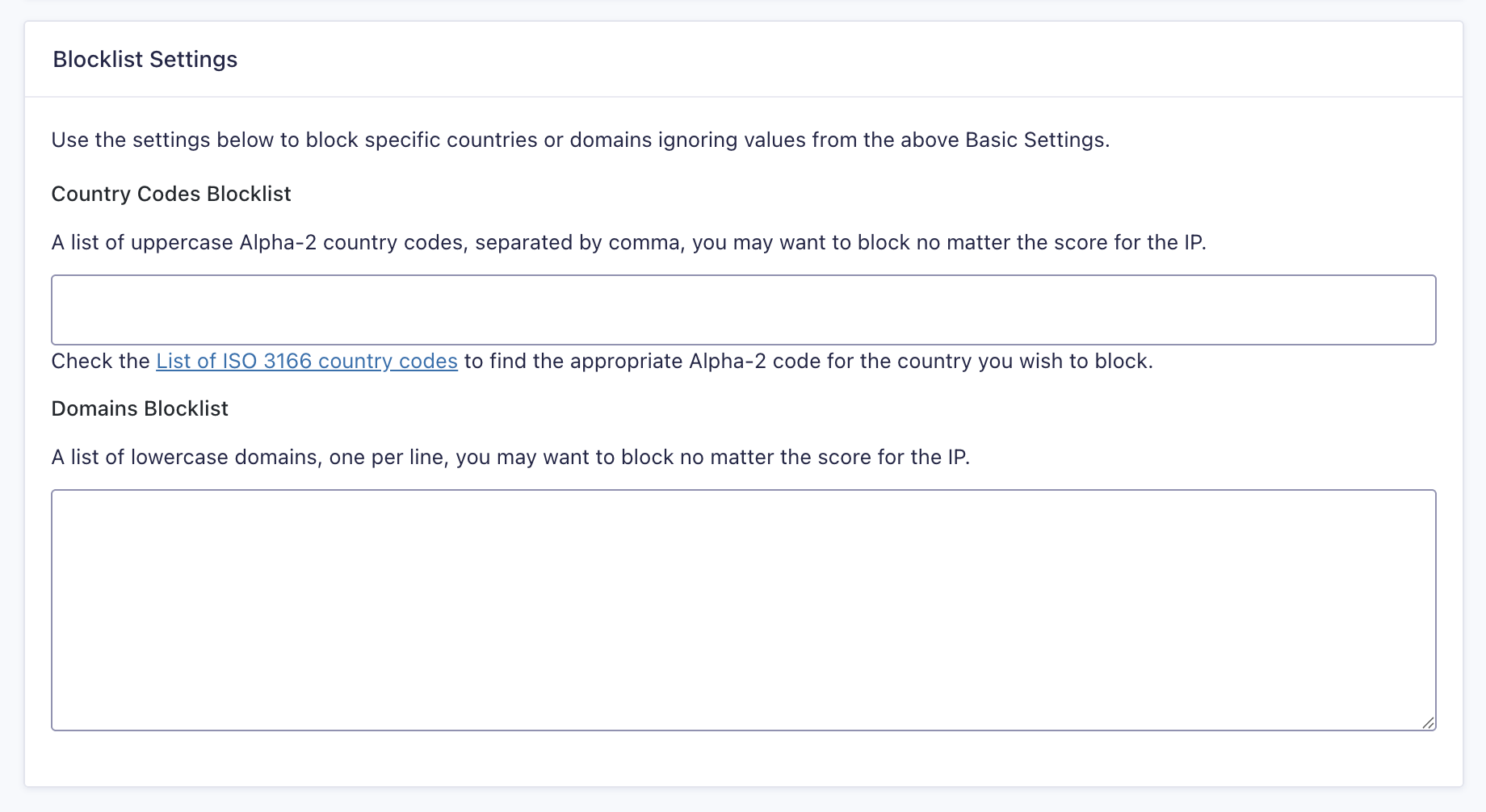
Use the settings below to block specific countries or domains regardless of the IP’s score. These blocklists will override the Basic Settings values.
| Setting | Description |
|---|---|
| Country Codes Blocklist | A list of uppercase Alpha-2 country codes, separated by comma, that you want to block no matter the score for the IP. Refer to the List of ISO 3166 country codes to find the appropriate Alpha-2 code for the country you wish to block. Example: US, CN, RU |
| Domains Blocklist | A list of lowercase domains, one per line, that you want to block, no matter the score for the IP. |
Tor Network
| Setting | Description |
|---|---|
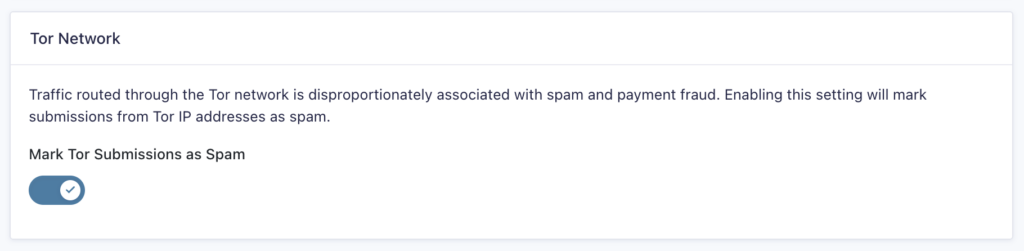
| Mark Tork Submissions as Spam | Traffic routed through the Tor network is disproportionately associated with spam and payment fraud. Enabling this setting will mark submissions from Tor IP addresses as spam |