

Overview
This quick reference guide lists all settings related to the MCP Server and briefly describes their purpose.
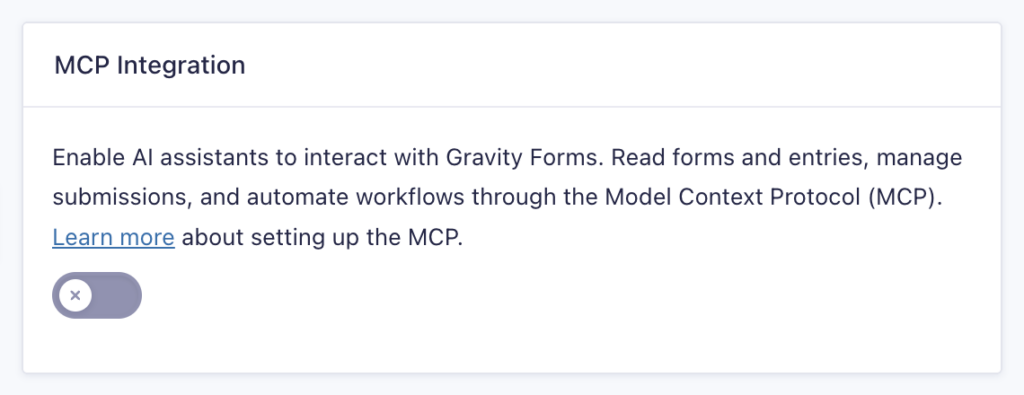
Note: The settings below won’t appear until you enable MCP and save your changes.
General Settings
| Setting | Description |
|---|---|
| Enable MCP | Master toggle to allow AI assistants to connect to Gravity Forms. |
| Endpoint Mode | Controls how AI assistants connect to Gravity Forms. Refer to the Endpoint Mode section for more information. Endpoint URL: The MCP endpoint URL that the AI assistant connects to. |
| Agent Skill | Downloadable abilities skill that teaches AI assistants field configuration patterns for Gravity Forms. Refer to the Agent Skill section for more information. |
Read-only Tools
These tools let AI assistants read your forms, entries, and settings without making any changes.
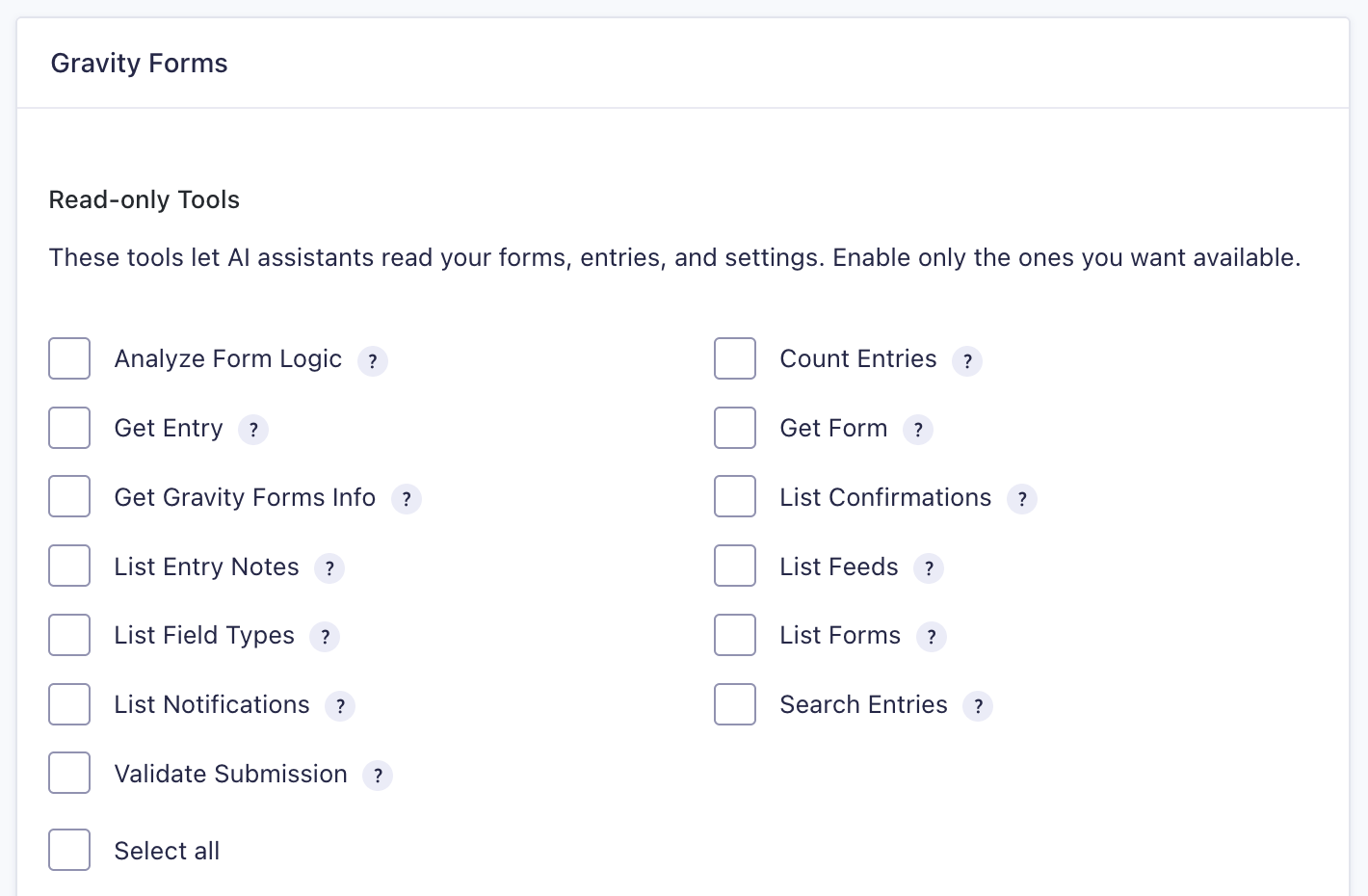
| Setting | Description |
|---|---|
| Analyze Form Logic | Inspect conditional logic across a form. |
| Count Entries | Return a count of entries matching criteria. |
| Get Entry | Retrieve a single entry by ID. |
| Get Form | Retrieve a single form by ID. |
| Get Gravity Forms Info | Return site, plugin version, and add-on info. |
| List Confirmations | View a form’s confirmation settings. |
| List Entry Notes | Return notes attached to an entry. |
| List Feeds | See a form’s connected integrations (email, payment, etc.). |
| List Feed Types | List add-on feeds attached to a form. |
| List Field Types | Return all registered field types and their capabilities. |
| List Forms | List all forms on the site. |
| List Notifications | List notification configurations for a form. |
| Search Entries | Query entries with filters and sorting. |
| Validate Submission | Validate field values before submission without creating an entry. |
Write & Destructive Tools
⚠️ Note: The MCP (Model Context Protocol) integration lets AI assistants access your Gravity Forms, including reading, creating, updating, and deleting forms, entries, and settings (including API keys). AI assistants can make mistakes. Enable write access only when necessary, validate outputs, maintain regular site backups, and consider how your AI assistant will have access to form-collected data.
These tools let AI assistants create, update, and delete your forms, entries, and other data.
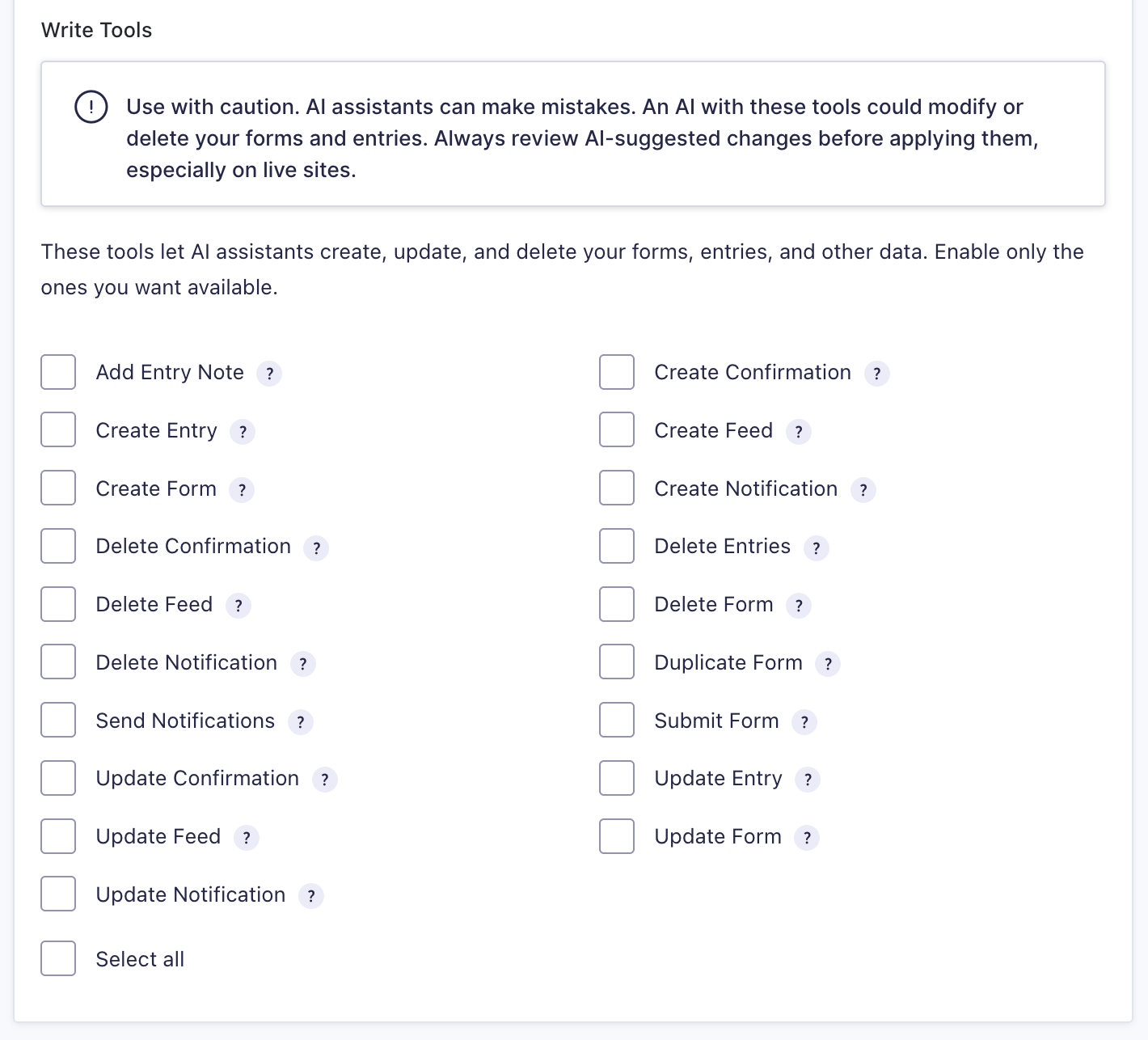
| Setting | Description |
|---|---|
| Add Entry Note | Attach a note to an entry. |
| Create Confirmation | Add a confirmation to a form. |
| Create Entry | Insert a raw entry record, bypassing validation and notifications. |
| Create Feed | Add a new add-on feed to a form. |
| Create Form | Create a new form from a definition object. |
| Create Notification | Add a notification (email) to a form. |
| Delete Confirmation | Delete a confirmation from a form. |
| Delete Entries | Trash or permanently delete one or more entries. |
| Delete Feed | Permanently delete a feed. |
| Delete Form | Trash or permanently delete a form and its data. |
| Delete Notification | Delete a notification from a form. |
| Duplicate Form | Copy an existing form, including fields and notifications. |
| Send Notifications | Trigger notification sending for an existing entry. |
| Submit Form | Run a full form submission, including validation, notifications, and feed processing. |
| Update Confirmation | Modify an existing confirmation. |
| Update Entry | Modify field values or metadata on an existing entry. |
| Update Feed | Modify an existing feed’s configuration. |
| Update Form | Modify the fields, settings, or notifications of an existing form. |
| Update Notification | Modify an existing notification. |
Endpoint Mode
The endpoint is the URL your AI assistant connects to to access Gravity Forms.
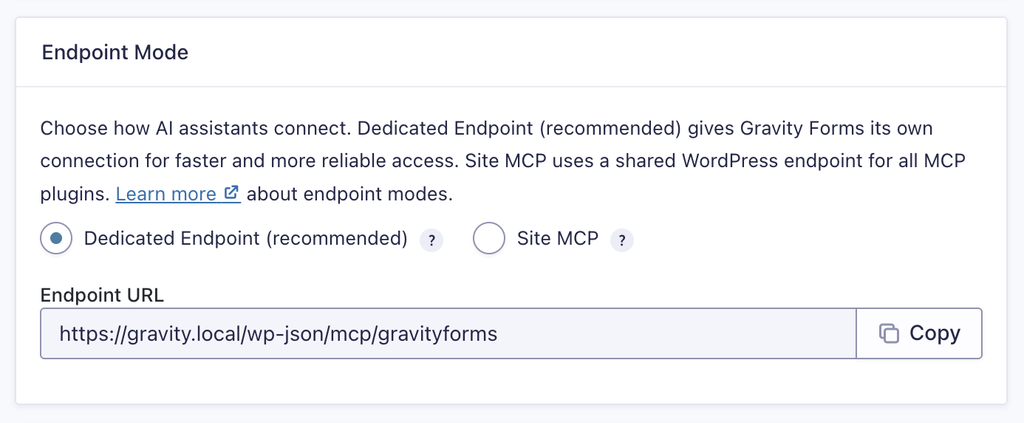
Dedicated Endpoint
Gives Gravity Forms its own direct connection. The assistant can see and call all Gravity Forms tools immediately without any extra steps. This is the recommended option for most sites.
Site MCP
Uses a shared WordPress connection used by all MCP-enabled plugins on your site. The assistant reaches Gravity Forms indirectly, through a generic discovery layer, which can make it slower and less reliable. Choose this only if you want a single connection point for all your plugins, and your AI client doesn’t support multiple MCP connections.
Agent Skills
An agent skill is a file you install into your AI assistant that teaches it how to work with Gravity Forms.
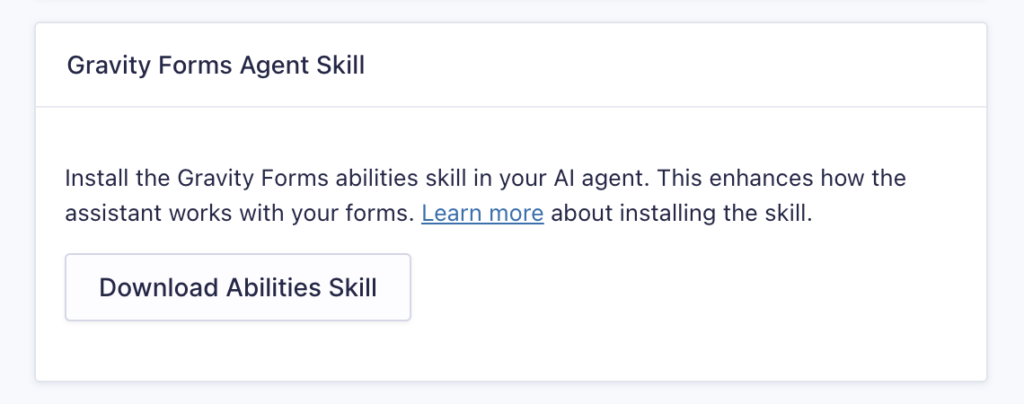
Refer to the Gravity Forms Agent Skills article for more information about downloading and installing a skill.