

To use the Capsule CRM Add-On, you will need to first obtain your Capsule CRM Personal Access Token. In this article, we will show you exactly how to find it.
- Log into your Capsule CRM account.
- Click on your name at the top right corner and then on My Preferences.
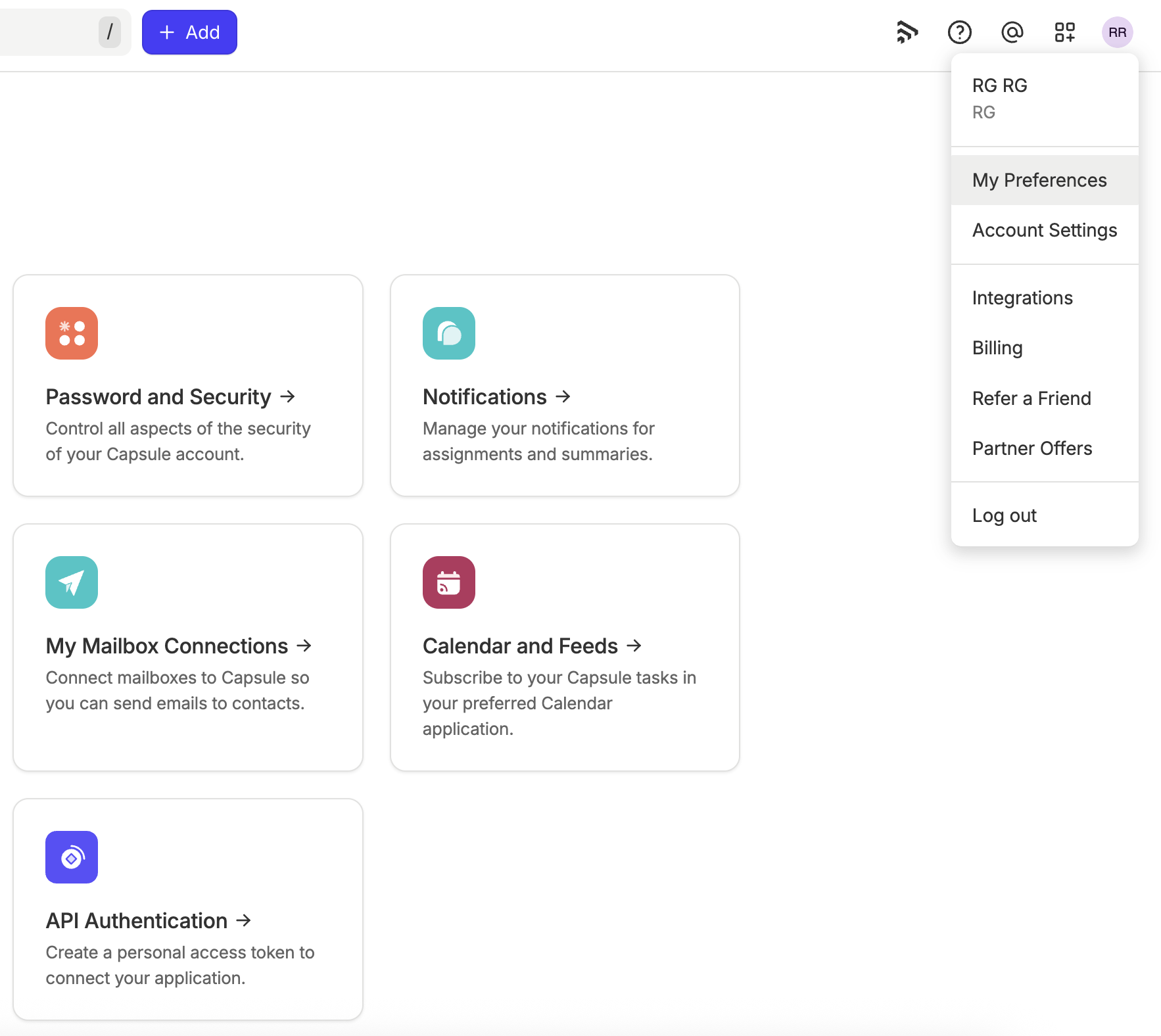
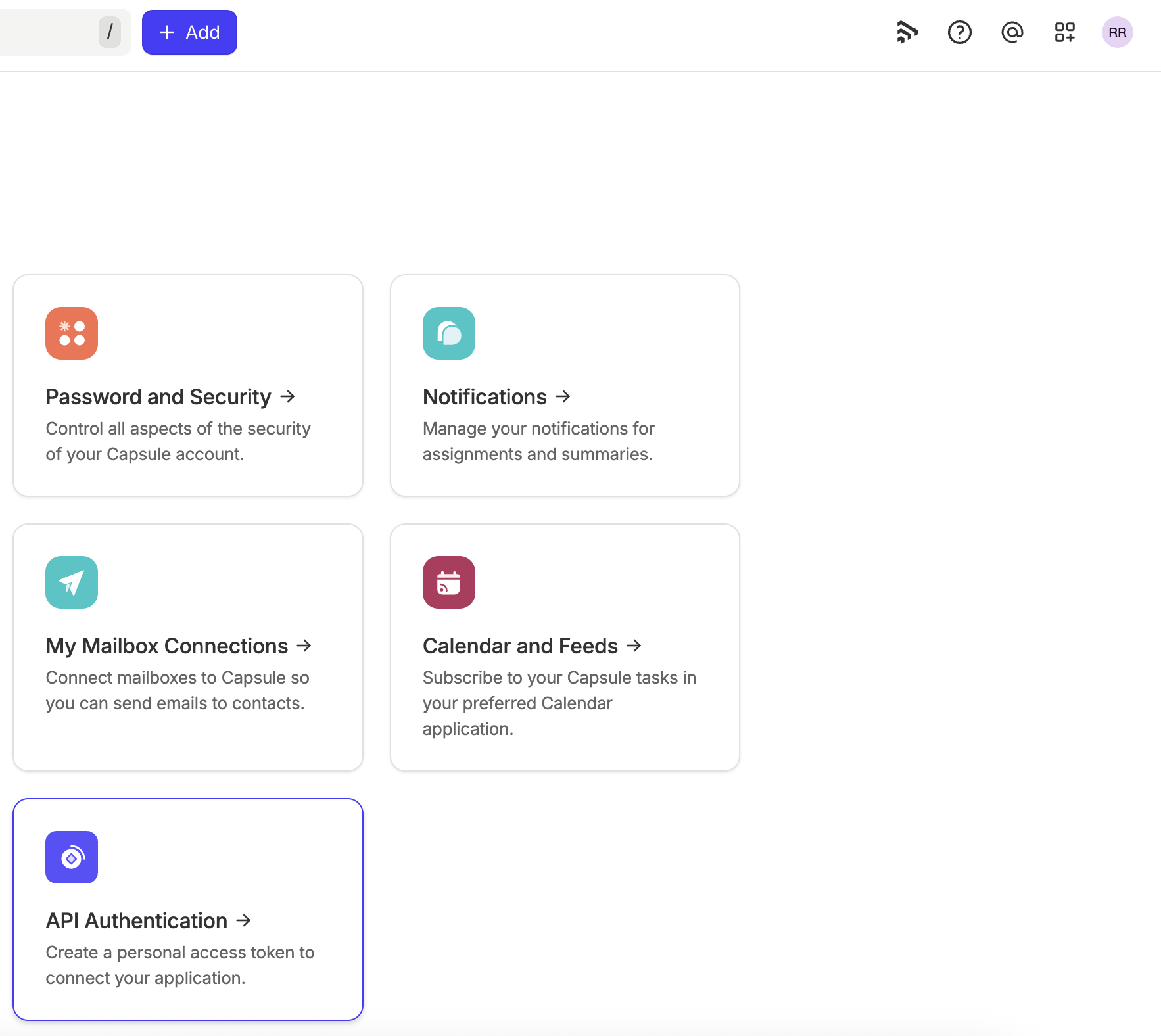
- From the left side menu, click API Authentication.
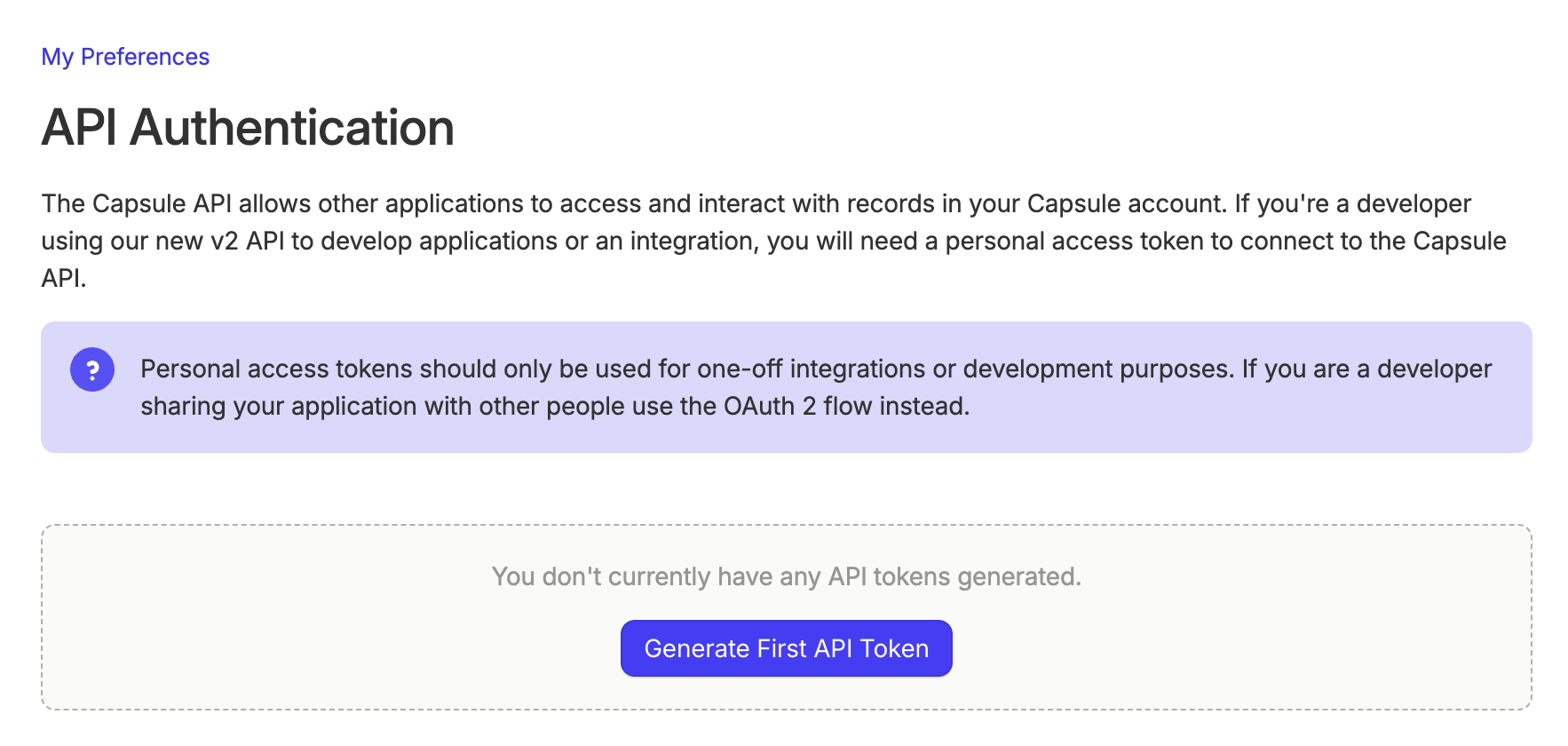
- Under Personal Access Tokens, click the Generate new API token button.
- Give the token a Description, and check the boxes as applicable.
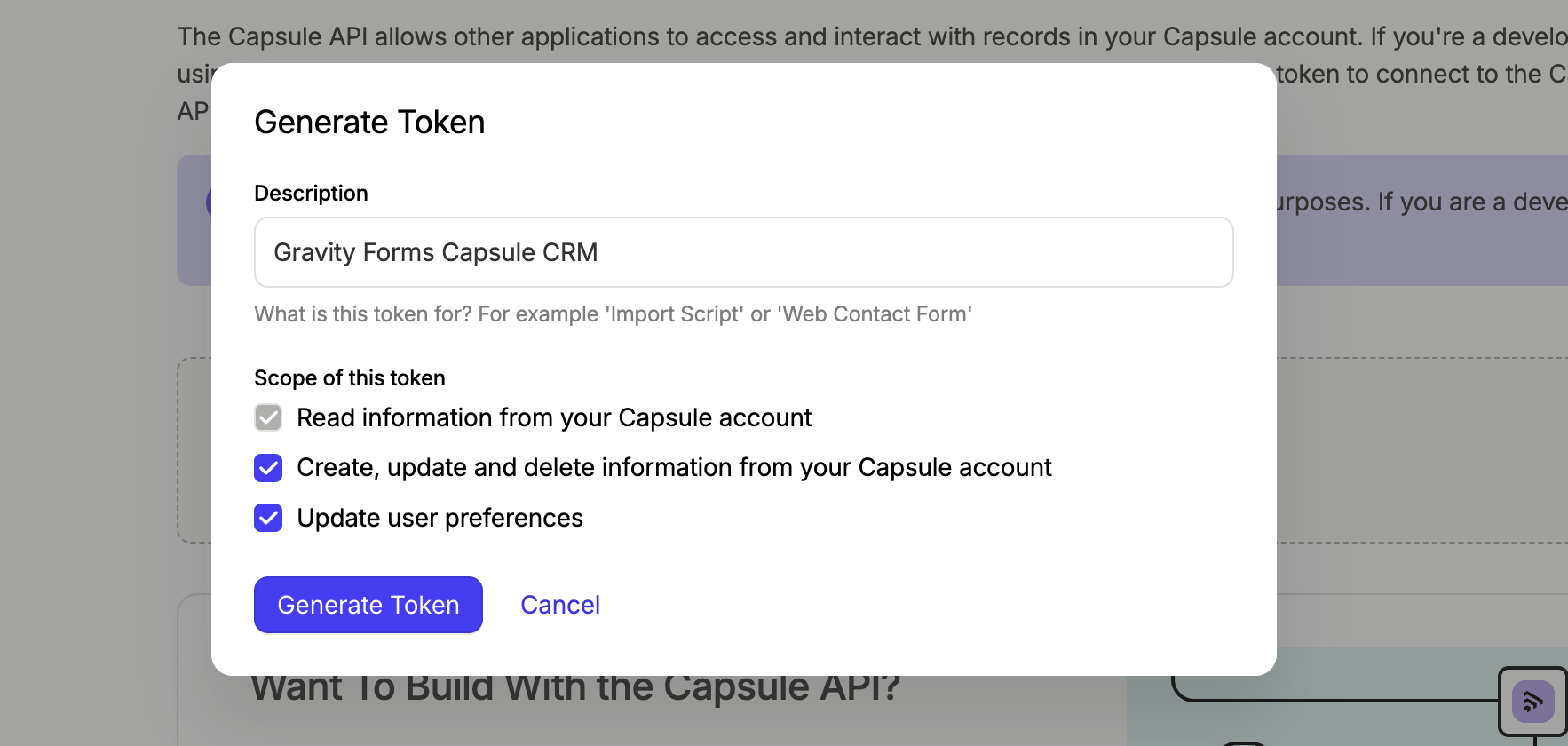
- Click the Generate Token button.
Now you can copy the token to use in your Gravity Forms Capsule CRM settings.
If you need further help to get your Personal Access Token, we recommend you contact Capsule CRM support.