

Pre-Requisites
Choosing Your Connection Method
The Kit Add-On offers two connection methods:
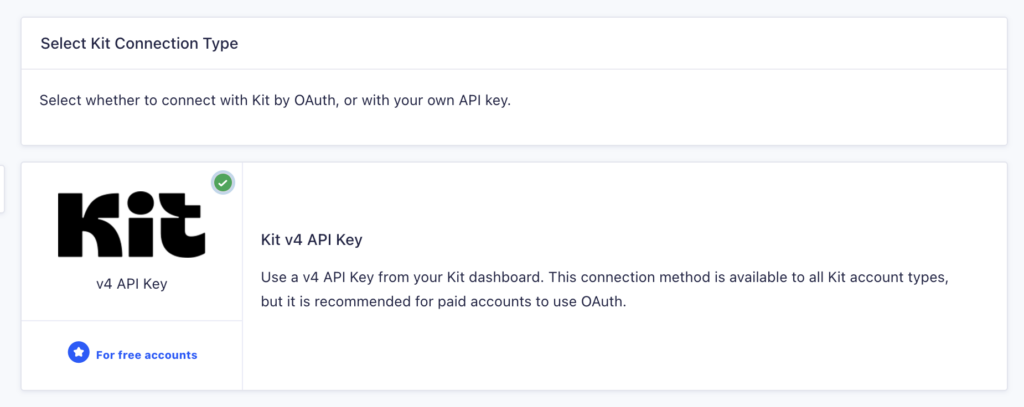
API Key (v4)
Available for all Kit accounts. This method has some limitations: it cannot use the creator network features and does not support the “additional tags” field.
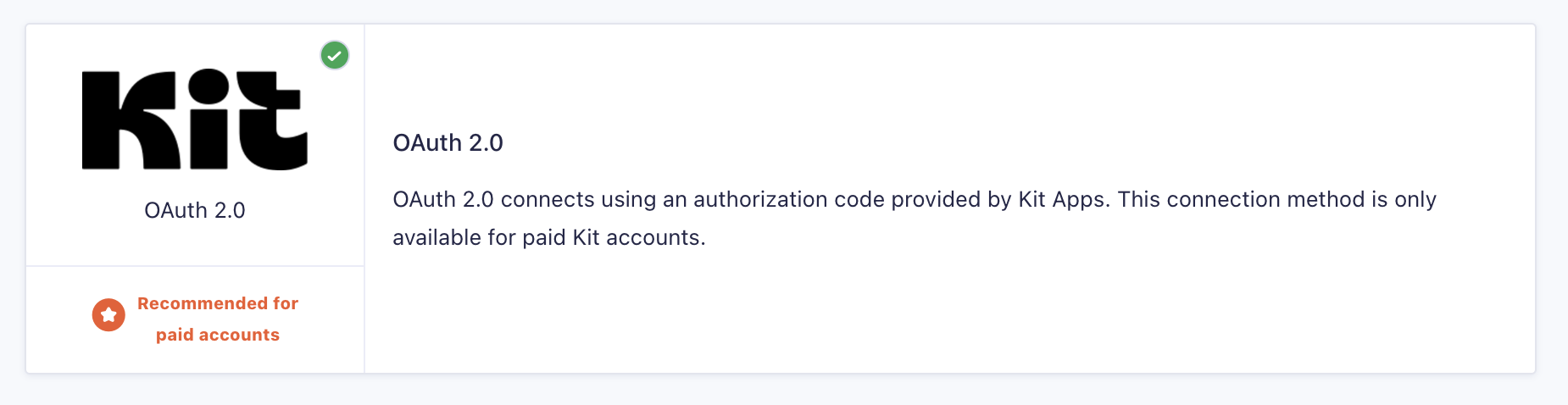
OAuth
Available for paid Kit accounts only. This is the recommended method as it provides full access to all Kit features, including creator network integration and additional tag support.
Connecting with API Key
- Log in to your WordPress admin dashboard. In the left-side navigation menu, hover over Forms, then click Settings.
- From this page, click the Kit tab.
- Select API Key from the connection options and click Continue.
- Enter your API Key (v4). This is obtained from your Kit account. If you are unsure of how to obtain your API key, you may review our documentation on Obtaining your Kit API key.
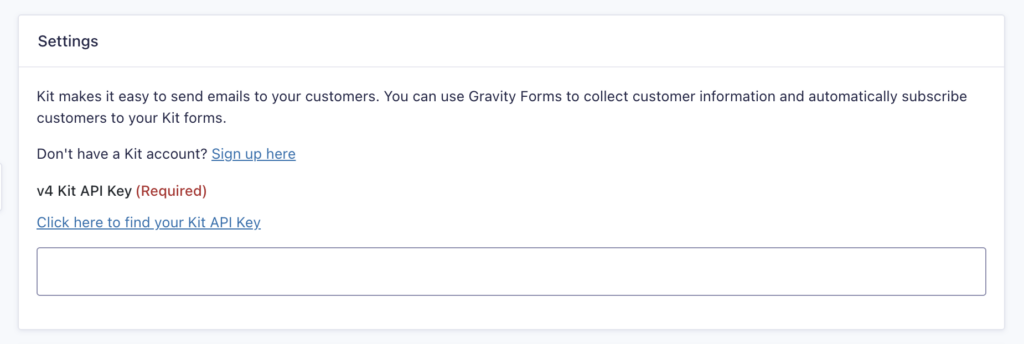
- Click Update Settings.
Connecting with OAuth
- Log into your WordPress admin dashboard. On the left side navigation menu, hover over Forms and click on Settings.
- From this page, click the Kit tab.
- Select OAuth from the connection options and click Continue.
- You will be redirected to Kit to authorize the connection.
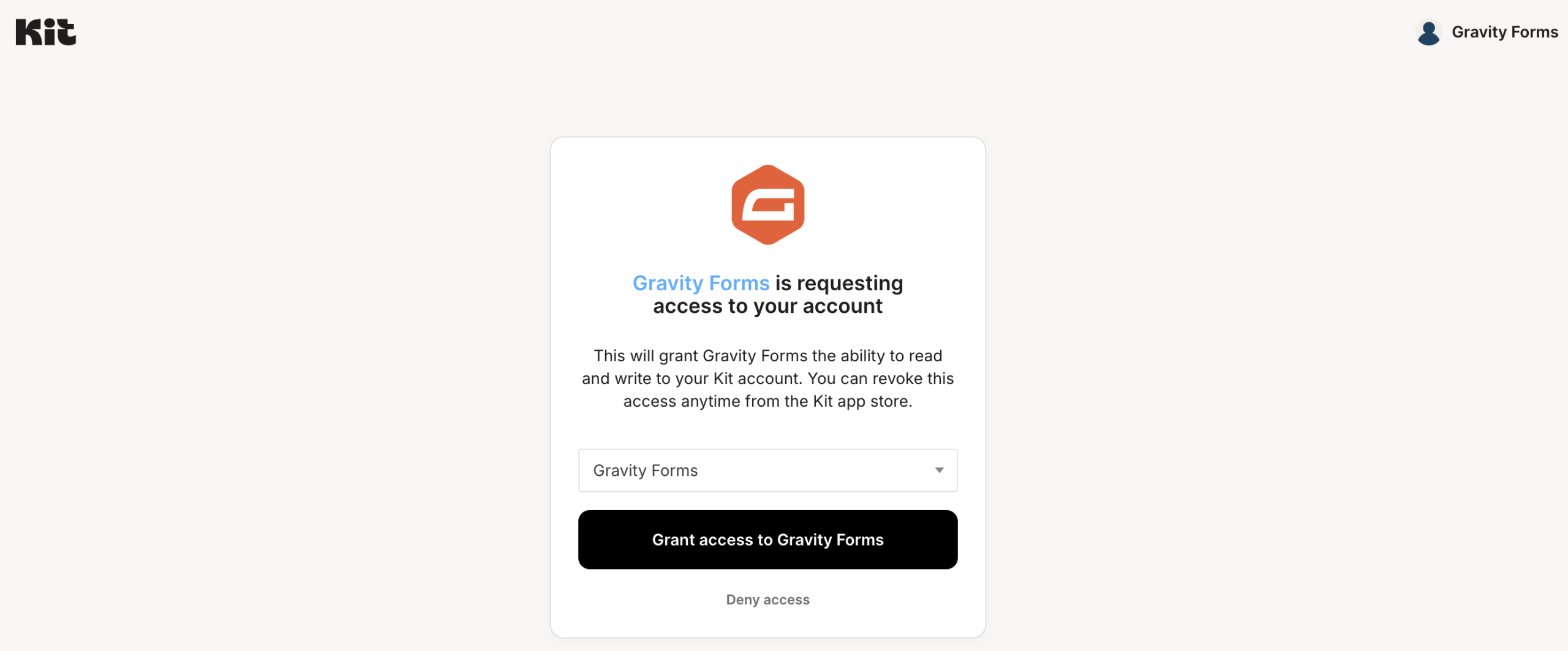
- After authorization, you will be returned to your WordPress site with the connection established.
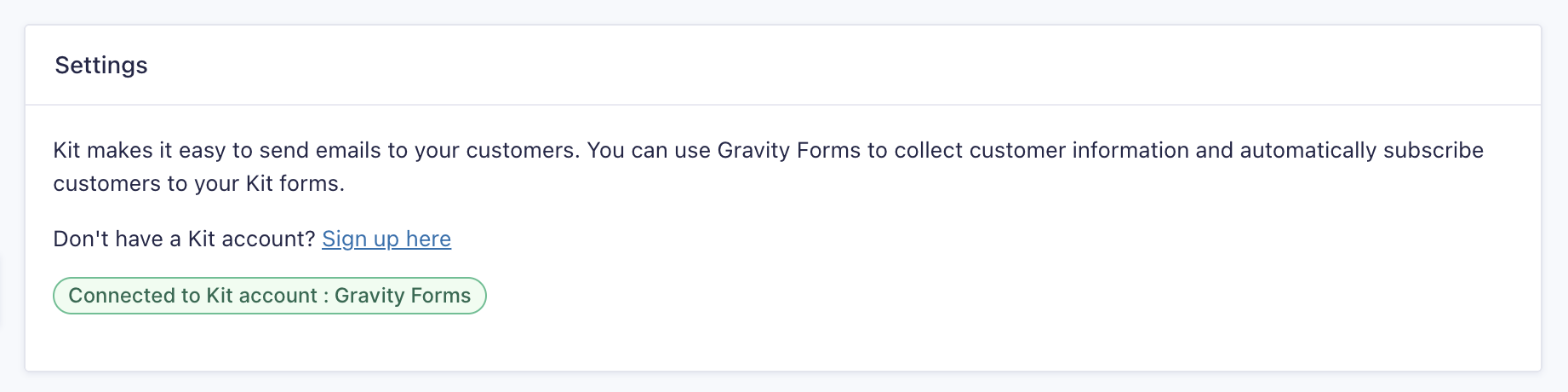
Once you have entered your API key and API secret, you’re ready to begin Creating a feed for the Kit Add-On.
Legacy Connection Method
If you previously connected using the v3 API method (API Key and API Secret), your connection will continue to work. However, this method is deprecated, and new connections should use either the v4 API Key or the OAuth method described above