

Pre-Requisites
Setup
- Log into your WordPress admin dashboard.
- In the left-side navigation menu, hover over Forms, then click Settings.
- Click the Klaviyo tab.
- Enter your API Key.
These are obtained from Klaviyo on your Account Settings page under “API Keys’. Refer to Klaviyo official documentation for more information about How to manage your account’s API keys.
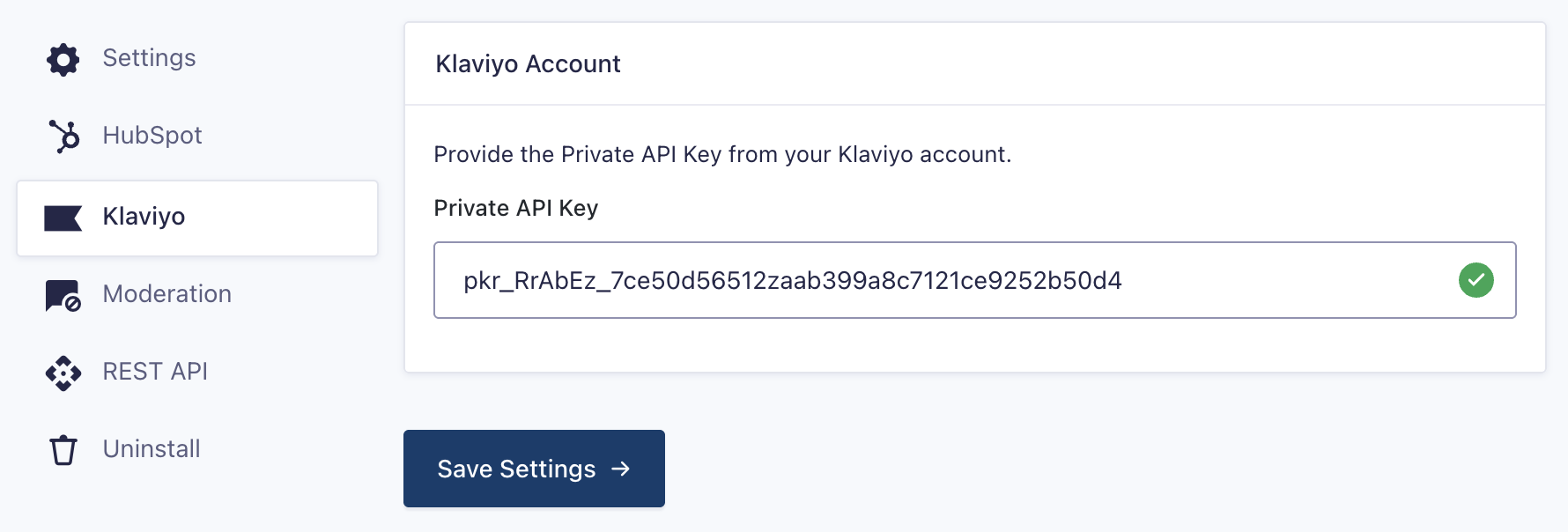
- Click Update Settings. If you’ve entered your account information correctly, you will be notified by a green check mark beside each box. If you do not see green check marks next to the credentials, please double-check this information and try again.
Once you have entered your API keys, you’re ready to begin creating a feed for the Klaviyo Add-On.