

Summary
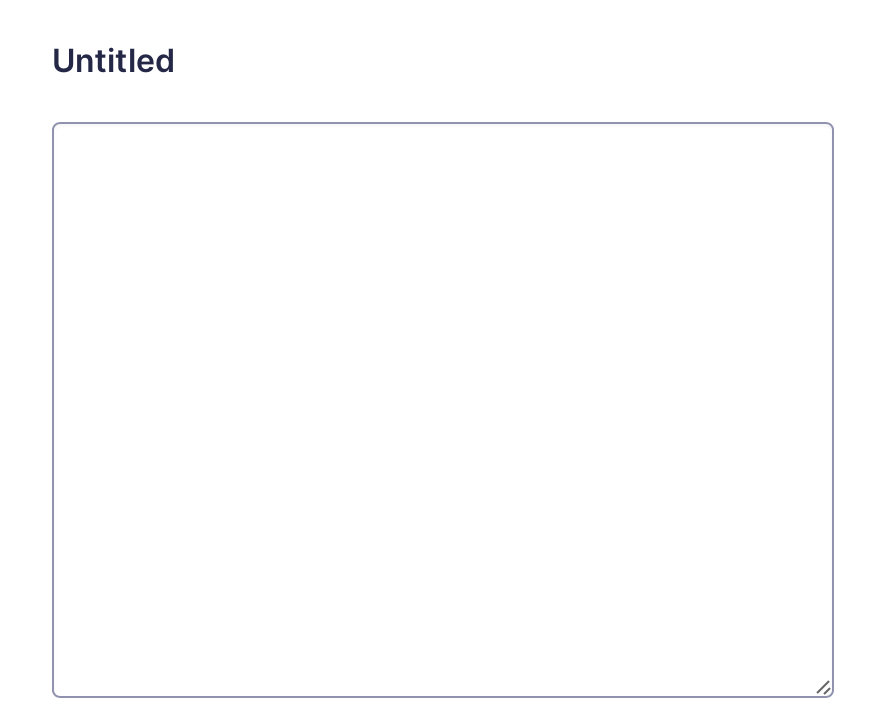
The Paragraph Text field allows a user to enter text in a textarea form field. It is available under the Standard Fields section within the form editor.
Common Settings
This field uses only the common field settings for General and Appearance. For a description of each of the common field settings, refer to this article. Below you will find a description of specialty settings that are particular to this field.
General Settings
| Setting | Description |
|---|---|
| Maximum Characters | Enter the maximum number of characters that this field is allowed to have. |
Appearance Settings
| Setting | Description |
|---|---|
| Field Height | Select the height of the textarea field. This will set the number of lines that are visible in the field. |
Advanced Settings
| Setting | Description |
|---|---|
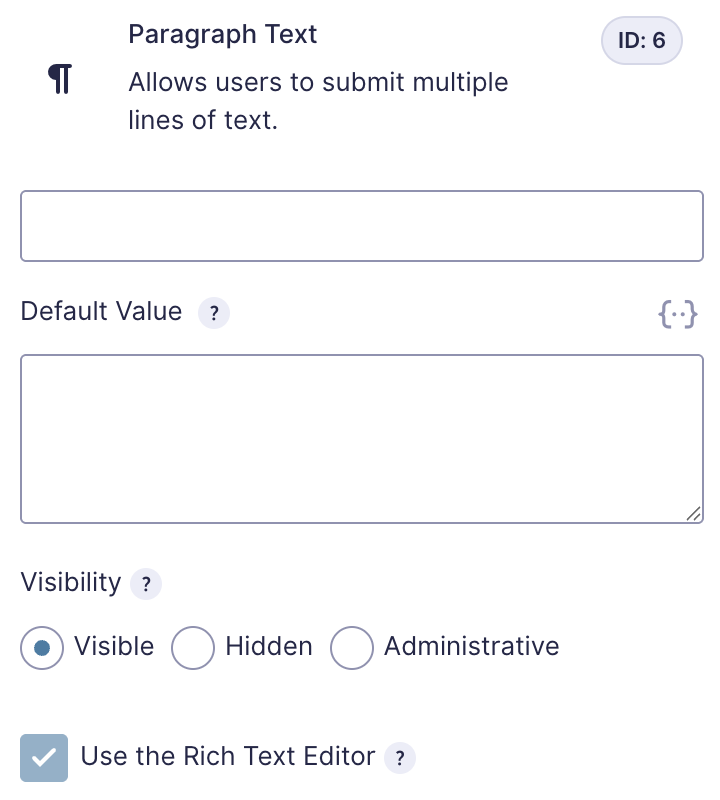
| Use the Rich Text Editor | Check this option to enable the rich text editor on this field. See Notes. |
Notes
If this field already contains entry data, you cannot enable the rich text editor.
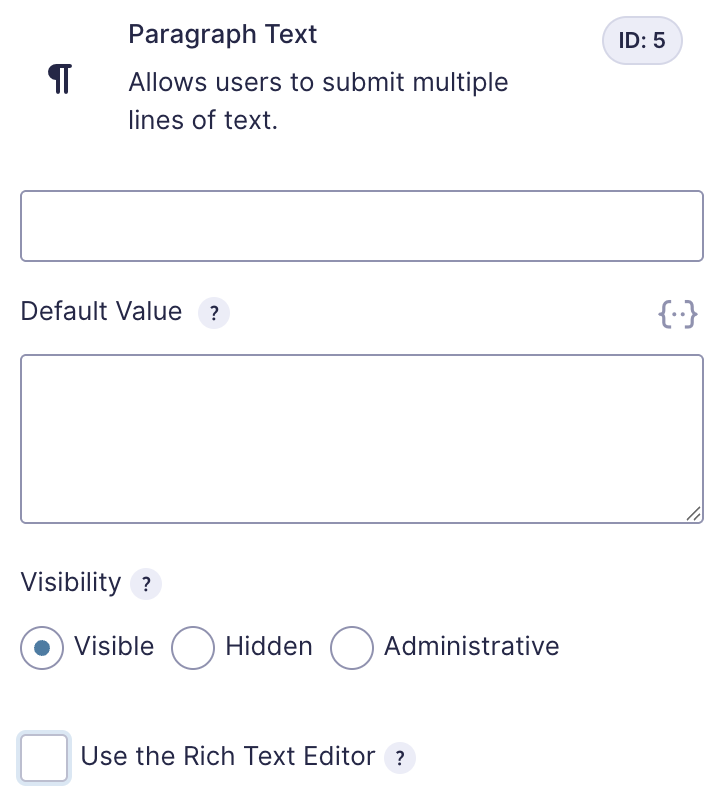
Similarly, once the rich text editor is enabled, it cannot be disabled if the field contains entry data.
Merge Tags
For more information on using merge tags, refer to these articles.
Usage
{Field Name:2}
Modifiers
This merge tag has no modifiers.
Validation
When a maximum character limit is configured for the field, validation ensures the submitted value does not exceed that limit. If the value is too long, the entry cannot be submitted, and an error message is displayed in the field.
When the Rich Text Editor is enabled, the value is decoded and stripped of HTML tags before the character count is evaluated. This means the limit applies only to the visible text content, not the underlying markup.