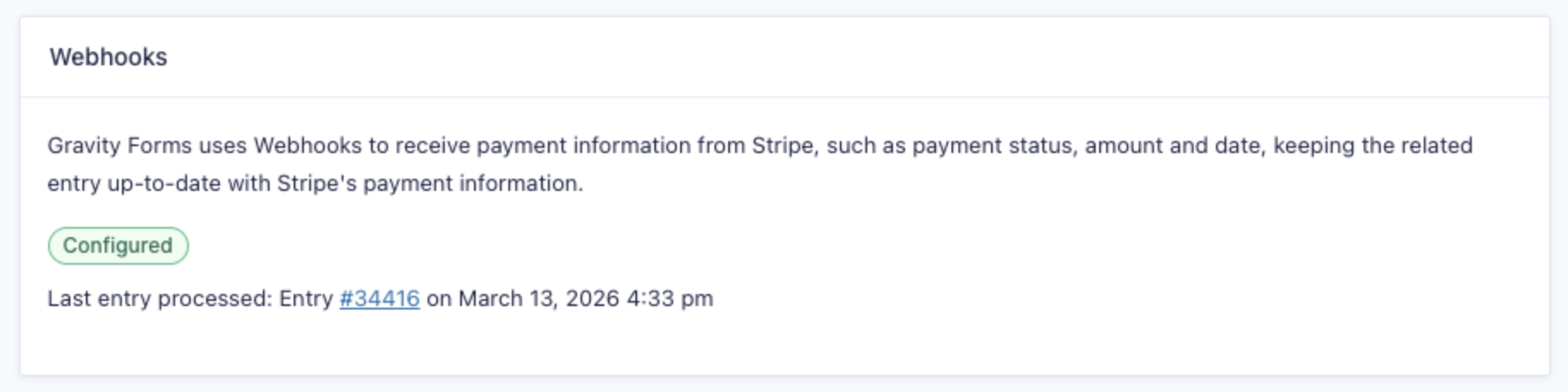
Overview
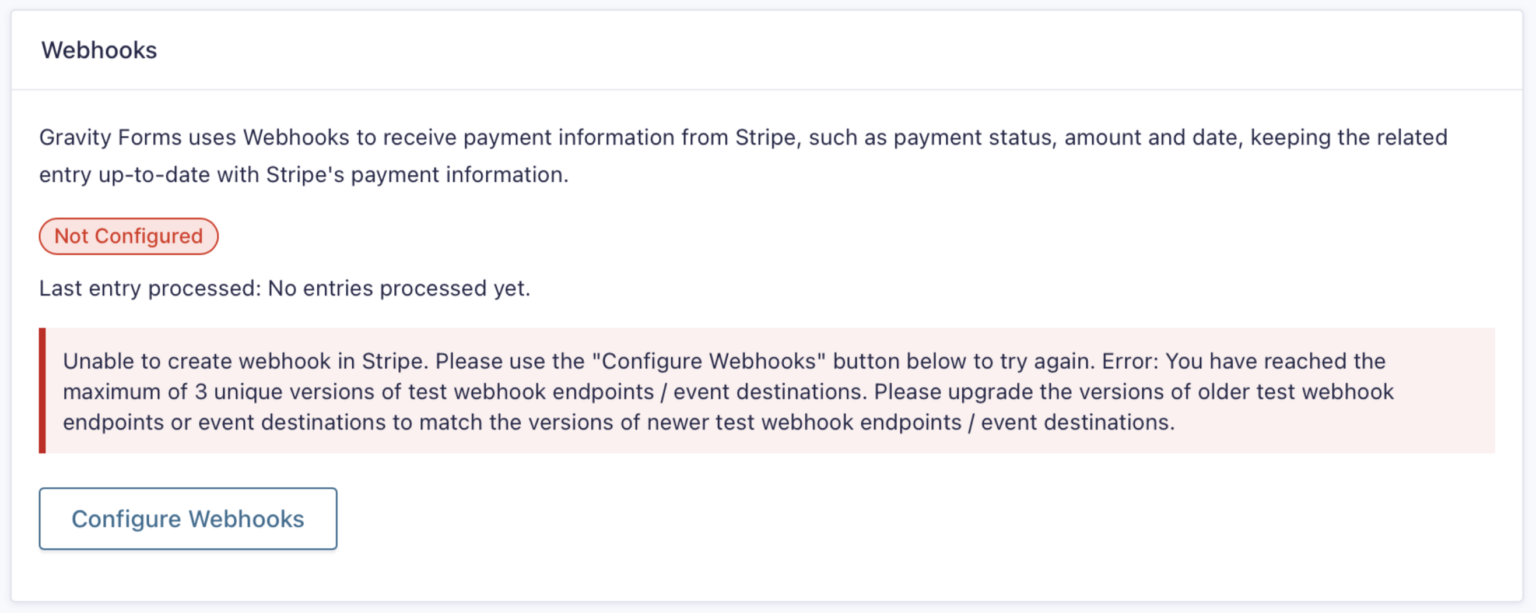
When you click Configure Webhooks in the Stripe Add-On settings, you may see this error:
Unable to create webhook in Stripe. Please use the “Configure Webhooks” button below to try again. Error: You have reached the maximum of 3 unique versions of test webhook endpoints / event destinations. Please upgrade the versions of older test webhook endpoints or event destinations to match the versions of newer test webhook endpoints / event destinations.
In live mode, the message says live instead of test.
This error comes from Stripe, not Gravity Forms. It isn’t about how many webhooks you have. It’s about how many different API versions your webhooks use.
Why This Happens
Every webhook endpoint in Stripe is tied to an API version, which controls the format of the events Stripe sends to it. Stripe only allows up to 3 unique API versions across your webhook endpoints in each mode (live or test), excluding your account’s default version.
The Stripe Add-On always registers its webhook using Stripe’s latest API version. If your account already has three other versions in use, for example, from older Gravity Forms webhooks or other plugins and services connected to Stripe, there’s no room for another one, and Stripe returns this error.
Until a version is freed up, the add-on can’t configure webhooks.
Note: An endpoint set to the latest version at creation remains at that version. It doesn’t update automatically when Stripe releases a newer one. So even if you already have an endpoint marked as the latest version, it may be an older version than the one the add-on is trying to register.
Checking Your API Versions
- Log in to your Stripe account and go to Workbench Overview.
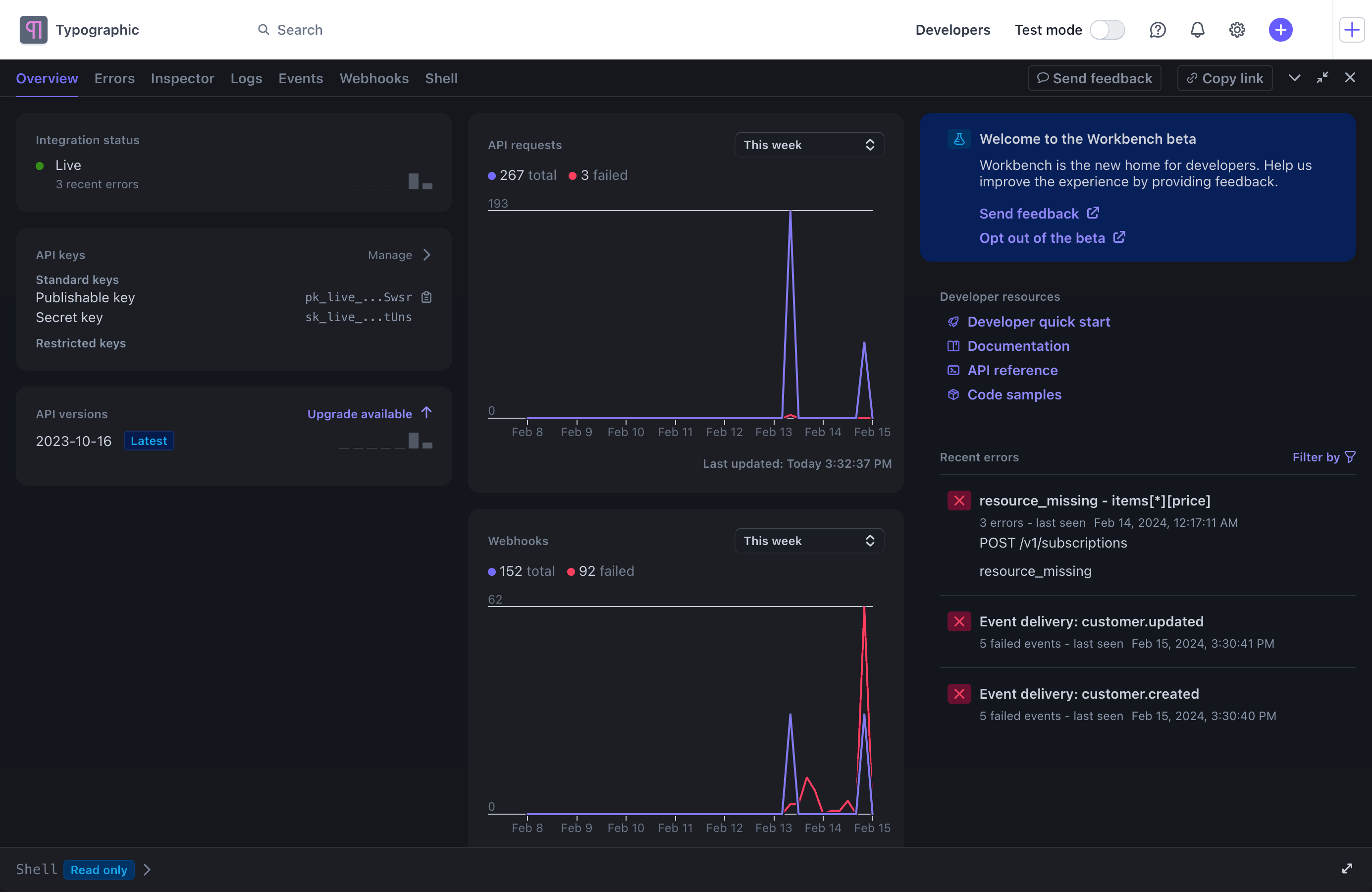
- Scroll down to API versions. This lists each API version in use on your account. Versions with activity show purple bars. Versions with no purple bars aren’t receiving any events.
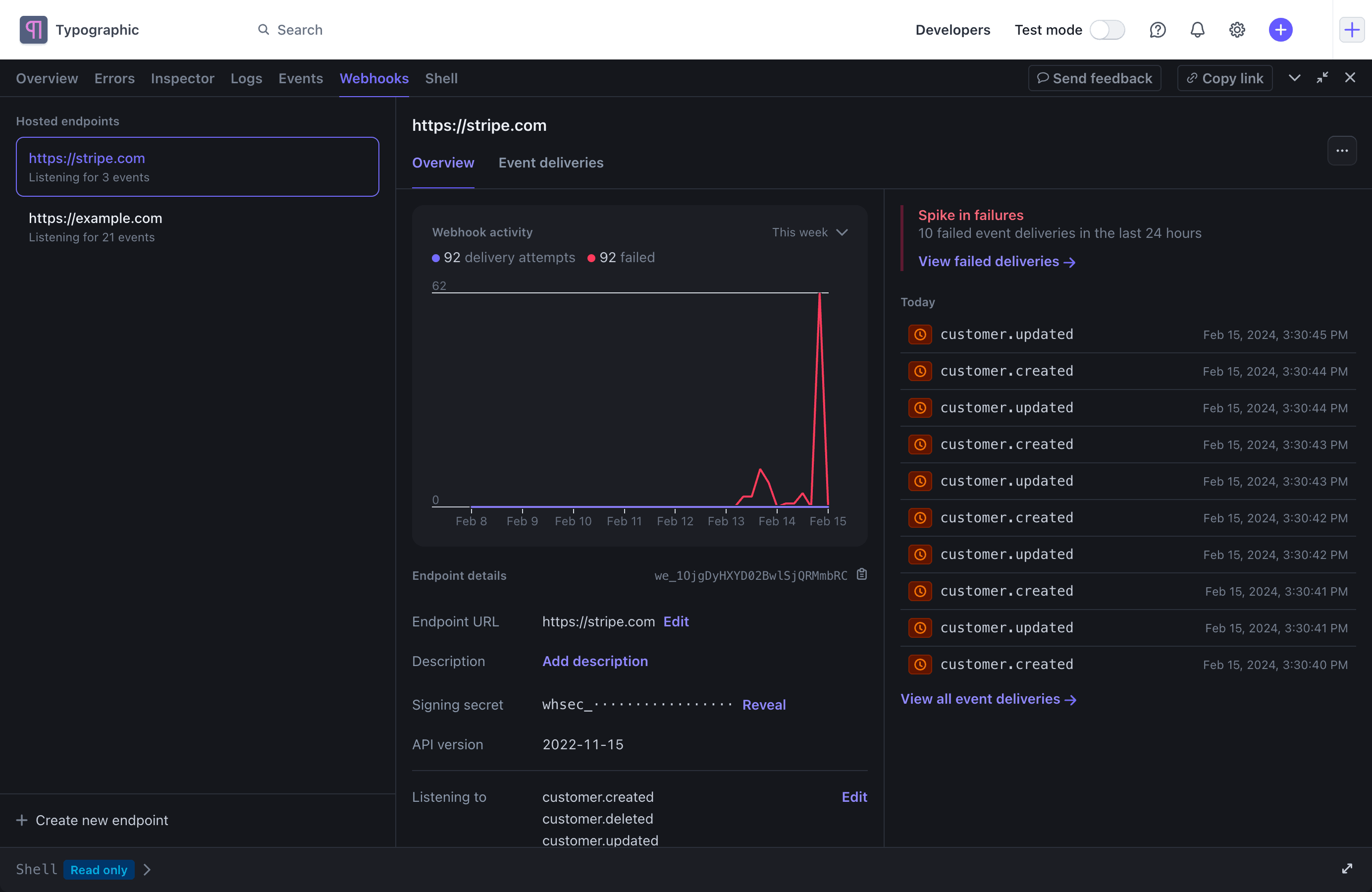
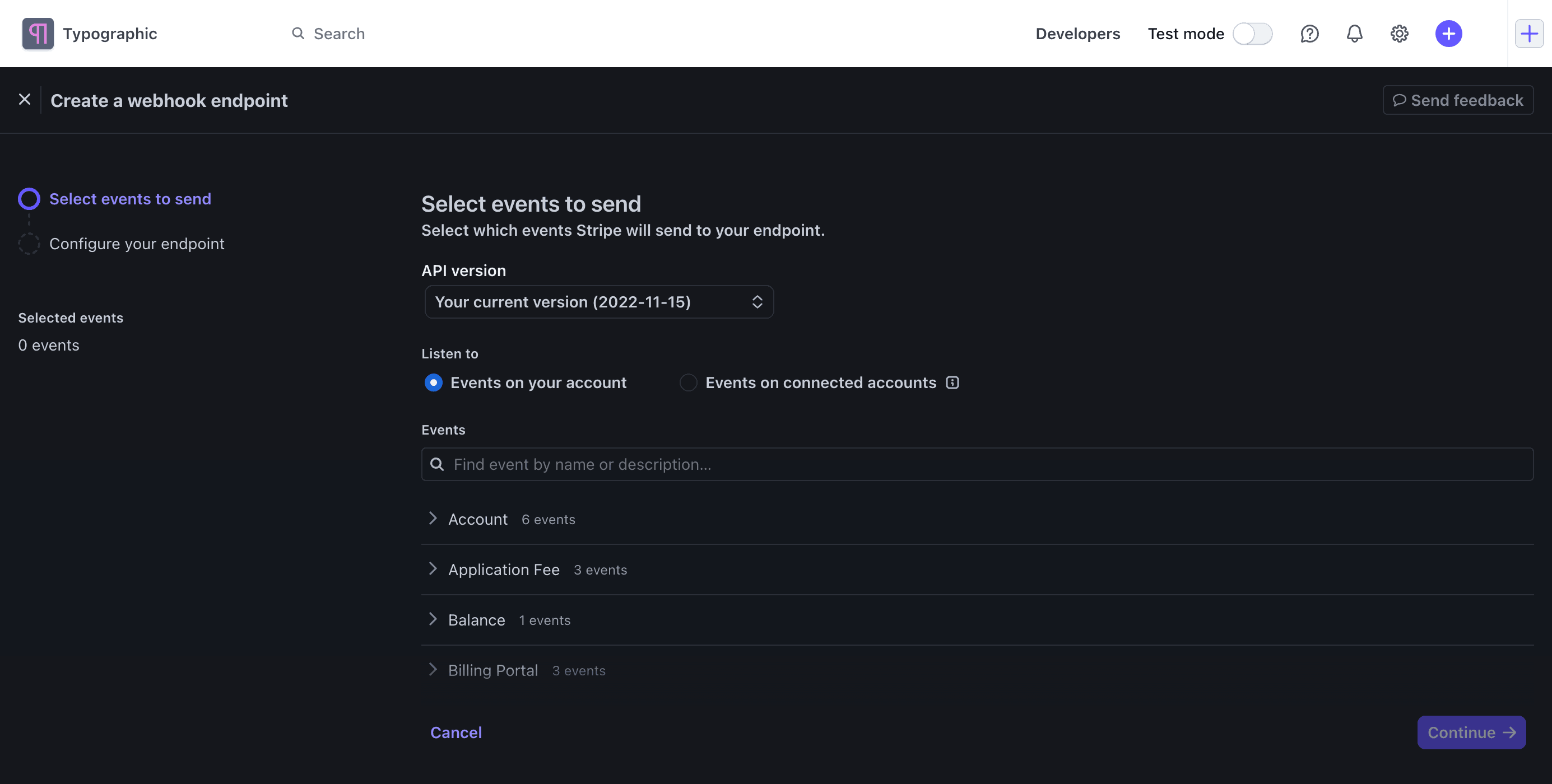
- Go to the Webhooks tab in Workbench to see which endpoints use each version.
Fixing the Error
To make room for the latest version, you need to free up at least one of the API versions in use. There are two ways to do this.
Remove Unused Endpoints
If any API versions have no purple bars, the endpoints using them aren’t receiving events. In the Webhooks tab, find the endpoints on those versions and delete the ones you no longer need, such as old Gravity Forms endpoints or endpoints for services you’ve stopped using.
Upgrade Older Endpoints
If an endpoint on an older version is still in use, it needs to be moved to a newer version. Stripe doesn’t let you change an existing endpoint’s API version, so you need to create a new endpoint with the same URL and events on the newer version, then delete the old one. See Stripe’s webhook versioning guide for details.
Note: If an endpoint belongs to another plugin, service, or custom integration, check with its developer before upgrading or deleting it. A newer API version can change the format of the events it receives.
Configure Webhooks Again
Once you’ve freed up an API version, go to Forms → Settings → Stripe and click Configure Webhooks again. The add-on will register its webhook using the latest API version.