

Introduction
You can now label licenses in your Gravity account to help differentiate between them. For instance, you might label a license with the name of the site where the license is activated.
For accounts with multiple licenses, this feature can make it easier to find a specific license or remember the website where a license is in use. (See this article for more on finding sites using your license key.)
How to Label Licenses
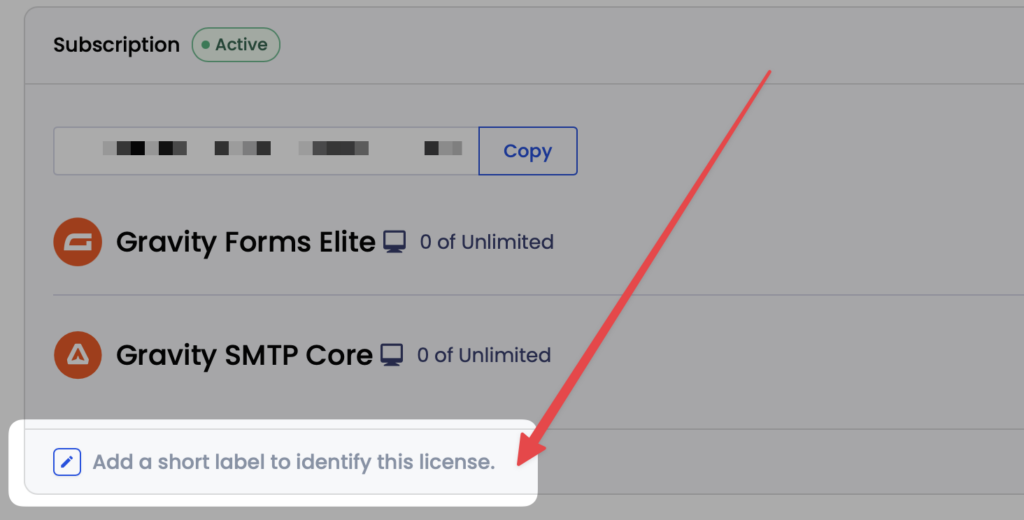
To label a license or edit an existing label, look for the pen icon at the bottom of your license details, as shown here:
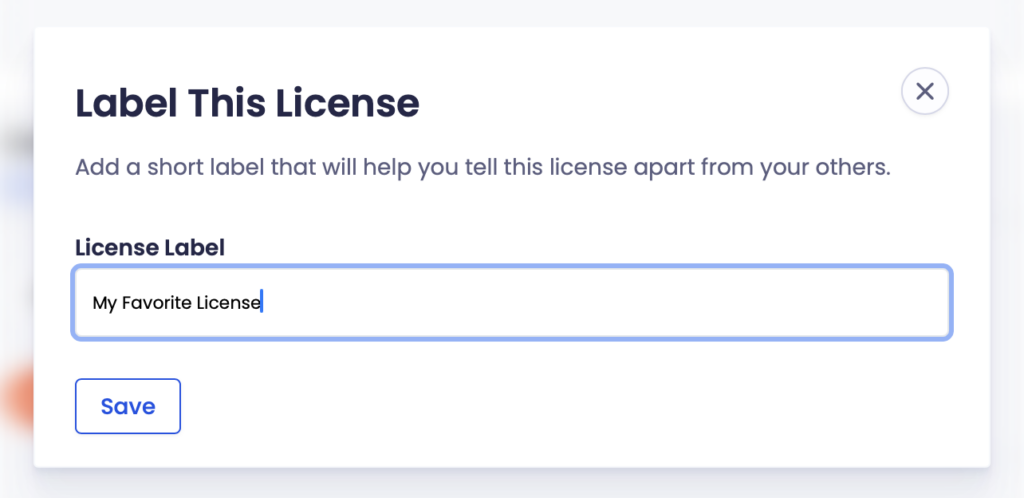
Click the icon to launch a modal where you can type your desired label and save:
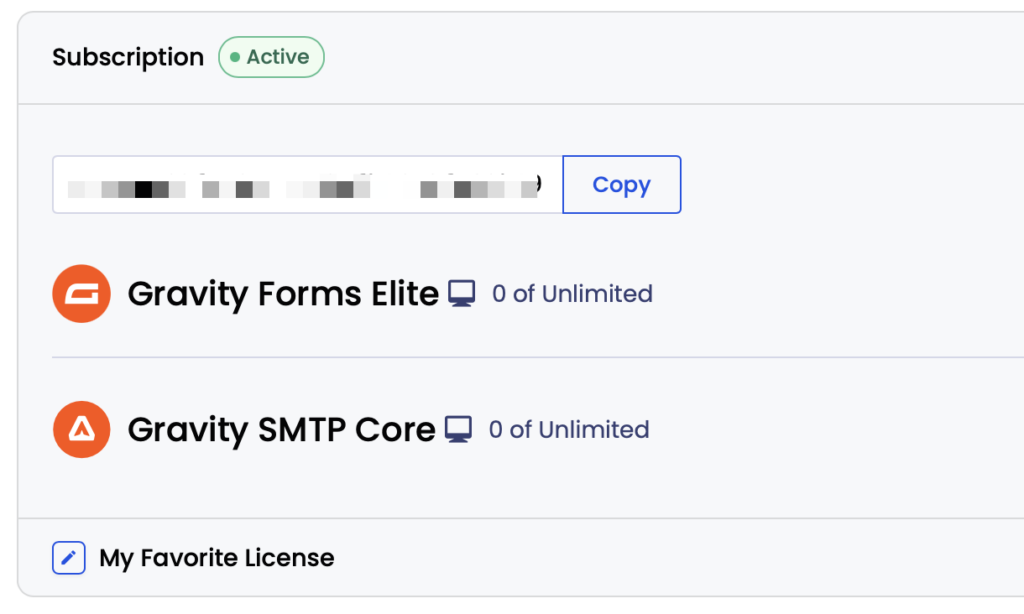
The label will now display when viewing your license list:
Click the pen icon again to reopen the modal and edit or remove the label.