

Pre-Requisites
This field is only available in the Form Editor when the Coupons Add-On is active.
Summary
The Coupon field allows using coupons created with the Coupons Add-On. Coupons can be used to offer discounts on products and services.

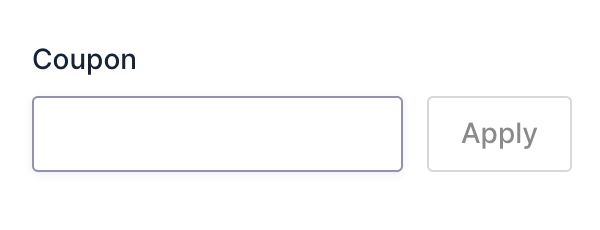
Note: Only one Coupon field can be added per form.
Common Settings
This field uses only common field settings for the Advanced settings. For a description of each of the common field settings, refer to this article.
Merge Tags
For more information on the use of merge tags, refer to these articles.
Usage
{Field Name:2}
Modifiers
This merge tag does not have any modifiers.
How Coupons Are Applied
When more than one coupon is applied, the discounts are calculated in this order:
Note: Is Stackable must be enabled for the Coupon. Refer to the Coupon Settings Reference for more information.
- Flat rate coupons.
- Percentage coupons.
Within each type, coupons are applied in the order they were added. Each coupon is applied to the remaining total after the previous discount.
For example, an order of $100 with three coupons is calculated as follows:
| Step | Coupon | Type | Discount | Remaining total |
|---|---|---|---|---|
| — | Order total | — | — | $100.00 |
| 1 | SAVE10 | Flat rate, $10 (added first) | −$10.00 | $90.00 |
| 2 | SAVE5 | Flat rate, $5 (added second) | −$5.00 | $85.00 |
| 3 | TENOFF | Percentage, 10% | −$8.50 | $76.50 |
The percentage coupon is calculated on $85.00, the total left after both flat rate coupons, not on the original $100.00.
Validation
When a coupon code is submitted, validation checks that the code is valid and can be applied. If the code does not exist, the field fails with the message: “Coupon code: is invalid."
If the code exists but cannot be applied. For example, because the usage limit has been reached or the coupon is no longer active, validation fails with a message describing the reason.
If no coupon code is submitted, validation is skipped.
Repeater Field Compatibility
This field cannot be added inside a Repeater field.