

Summary
The Website field allows users to enter a website URL. This field automatically validates that the information entered was formatted correctly. It is available under the Advanced Fields section within the form editor.

Website field as displayed in the Field Library
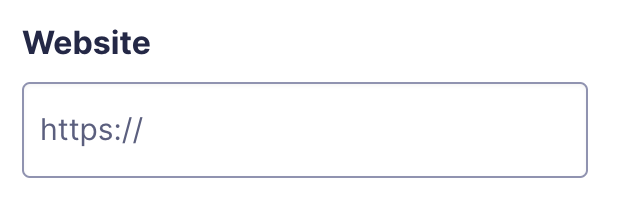
Website field as displayed in the Form Editor.
Common Settings
This field uses only common field settings for the General, Appearance, and Advanced settings. For a description of each of the common field settings, refer to this article. Below you will find description of specialty settings that are particular to this field.
Merge Tags
For more information on the use of merge tags, refer to these articles.
Usage
{Field Name:2}
Notes:
- The first of these merge tag parameters is optional and is simply the field name for easier identification.
- The second parameter defines the field ID within the form. In the example above, it would be field ID 2.
Modifiers
This field does not have any modifiers.
Validation
The Website field validates that the submitted value is a valid URL using GFCommon::is_valid_url(). If the value is not a valid URL, the field fails with the message: “Please enter a valid Website URL (e.g. https://gravityforms.com).”
If the field is marked as required and the value is empty or contains only http:// or https://, the field fails with the message: “This field is required.”