

Summary
The reCAPTCHA Checkbox field adds a checkbox challenge to your form, requiring users to confirm they are not a bot before submitting. It is available when using Google reCAPTCHA Enterprise keys and can be found under the Advanced Fields section within the form editor.
Common Field Settings
Many of the options in the General, Appearance, and Advanced sections are common to most fields. Refer to this article for a description of those common settings.
In the section below, you will find a description of those settings that are unique to this field type.
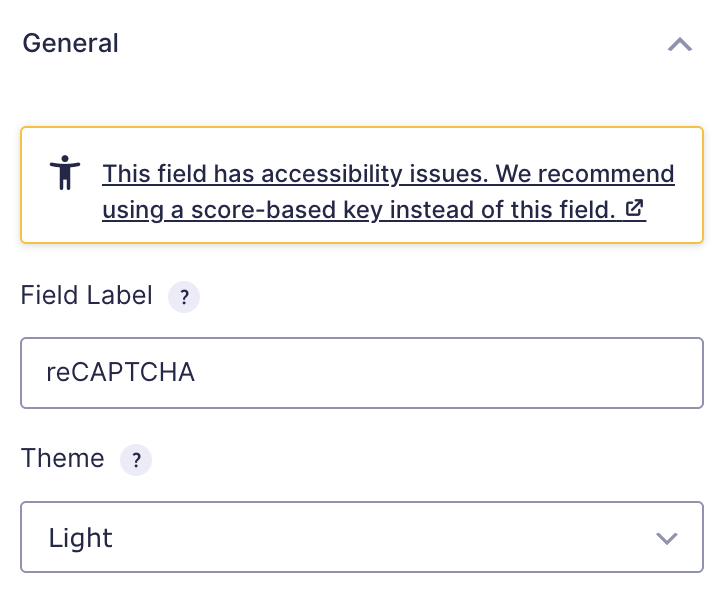
reCAPTCHA Checkbox General Settings
| Setting | Description |
|---|---|
| Field Label | Enter the label of the form field. This is the field title the user will see when filling out the form. |
| Theme | Select the visual theme for the reCAPTCHA field from the available options to better match your site design. |
Note: This field will only appear on your form if the reCAPTCHA Add-On is active, and it is configured to use an Enterprise Site Key that has the Checkbox challenge enabled in the Google Cloud Console. This option can only be set when creating a new key. Existing keys cannot be edited to switch the challenge type. For more information, see the official Google documentation.