

What is this notice?
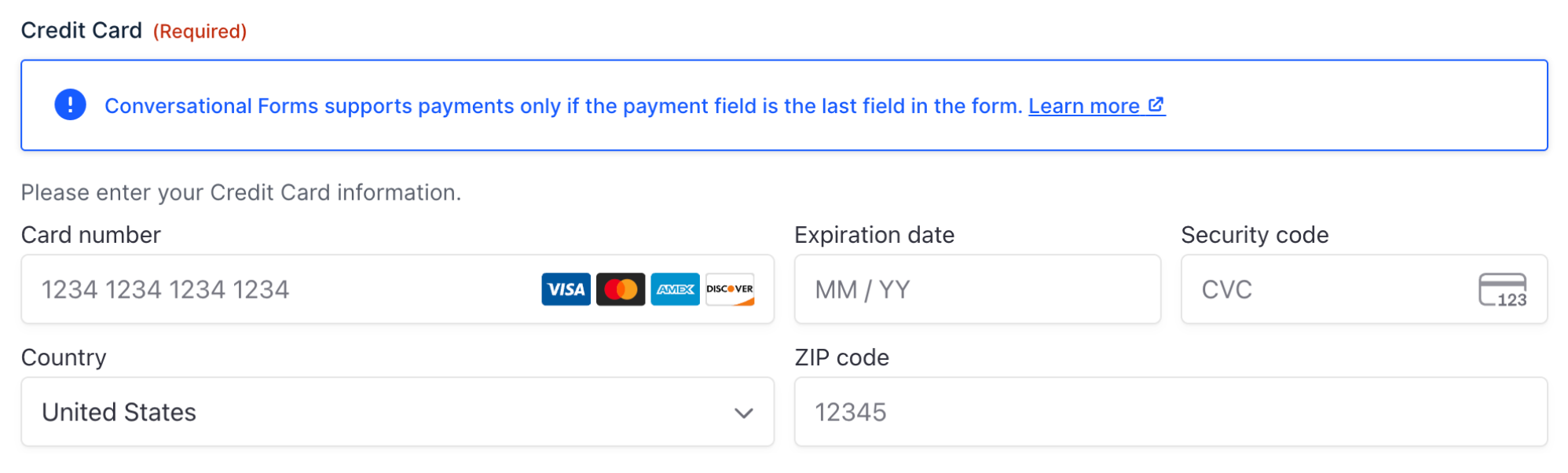
When editing a form with Conversational Forms enabled, you may see a warning if a Payment field is not positioned as the last field on your form. This notice helps ensure your conversational forms work correctly with payment processing.
Why does this appear?
Payment fields should be placed last in conversational forms. The notice appears when:
- Conversational Page is enabled on your form.
- The form contains payment fields.
- The payment field is not the last field in your form.
How to resolve it
Simply drag your payment field to the end of your form in the form editor. Once the payment field is positioned last, the notice will disappear automatically.
How to disable the notice
Refer to the gform_gfcf_disable_payment_field_position_notice article for more information.
By default, the notice is enabled to help maintain best practices for conversational forms with payment processing.