

Overview
This article explains how to select and map repeater fields in the field mapping dropdown, and how data gets sent to the feed depending on whether you map a repeater, a nested repeater, or a single field inside a repeater.
Selecting a Repeater Field
In the field mapping dropdown, repeater-related options appear under “Form Fields” alongside standard fields.
A repeater nested inside another repeater shows its full path, such as Players → Contact Info. A field nested inside a repeater shows a further indented path, such as Contact Info → Phone.
Note: An Email field inside a repeater does not appear in mapping settings that require an Email field, because a field inside a repeater can return several values, not a single email address. Currently, Email is the only field type restricted in this way. Other fields inside a repeater, such as Name, can be mapped to settings that accept any field type.
What Gets Sent in the Feed
Repeater
The feed receives all the data from that repeater, including every row and any nested repeaters and fields within those rows. Use this when the destination requires the complete structure to remain intact.
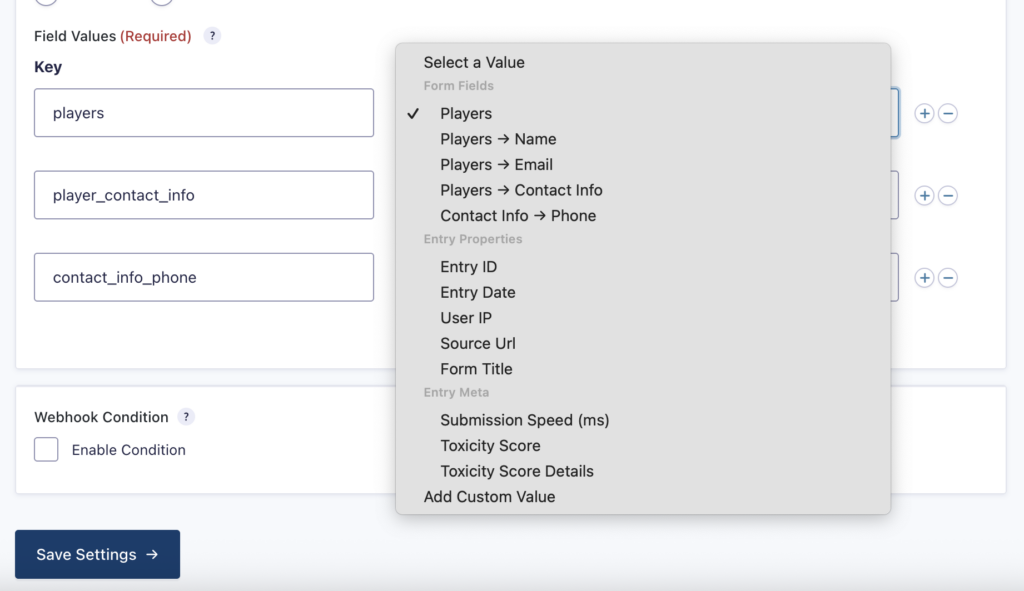
Example JSON payload sent by the Webhooks Add-On for Players (full nested structure).
{
  "players": [
    {
      "3": "Michael A",
      "4": "[email protected]",
      "5": [
        { "6": "+12018291231" },
        { "6": "+12018728291" }
      ]
    },
    {
      "3": "John T",
      "4": "[email protected]",
      "5": [
        { "6": "+12012829123" },
        { "6": "+12022271123" }
      ]
    }
  ]
}
Nested repeater
The feed receives every row from that nested repeater, combining them across all its parent rows into a single list. Use this when you want all the nested entries together without keeping the parent grouping.
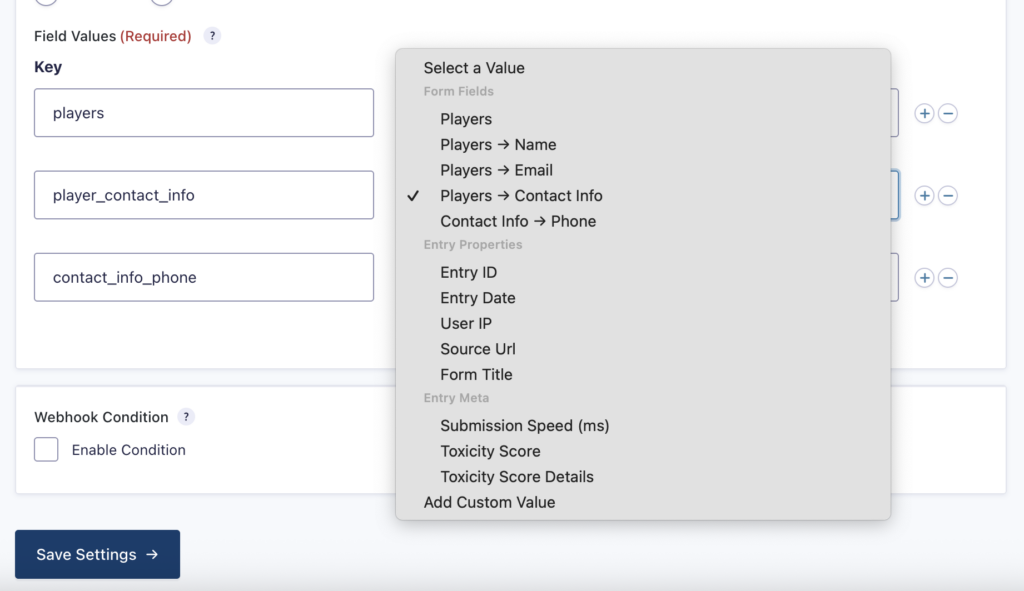
Example JSON payload sent by the Webhooks Add-On for Players → Contact Info (flattened list).
{
  "player_contact_info": [
    { "6": "+12018291231" },
    { "6": "+12018728291" },
    { "6": "+12012829123" },
    { "6": "+12022271123" }
  ]
}
Field inside a repeater
For mapping settings that accept any field type, the feed receives just that one field’s values. If the repeater has more than one row on submission, the values from every row are combined into a simple comma-separated list. Use this when the destination only needs one piece of information, like a list of phone numbers, and doesn’t need the surrounding structure.
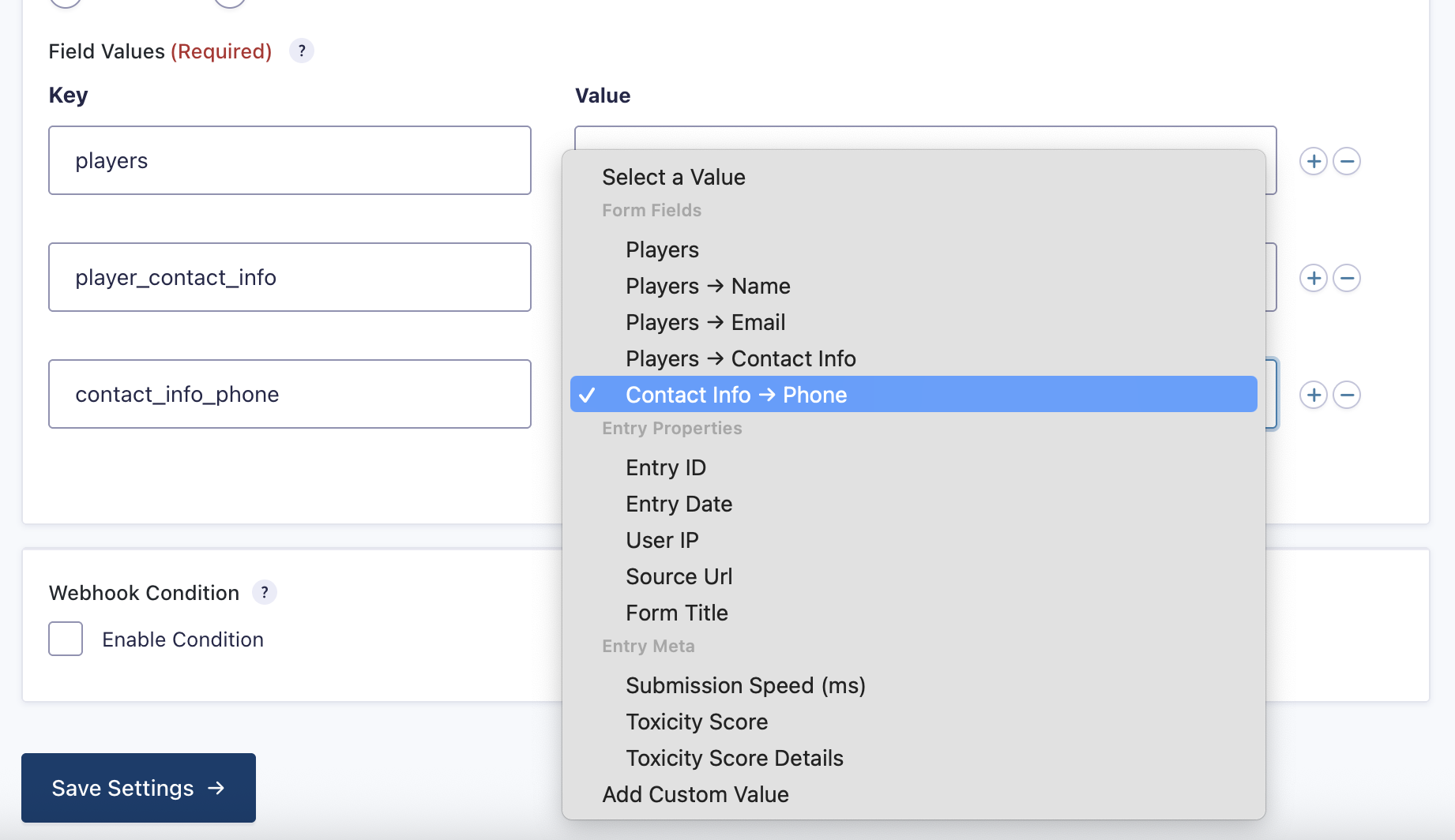
Example JSON payload sent by the Webhooks Add-On for Contact Info → Phone (comma-separated string)
{
  "contact_info_phone": "+12018291231, +12018728291, +12012829123, +12022271123"
}
Example
Say a form has a Players repeater, with Name and Email fields, and a nested Contact Info repeater containing a Phone field.
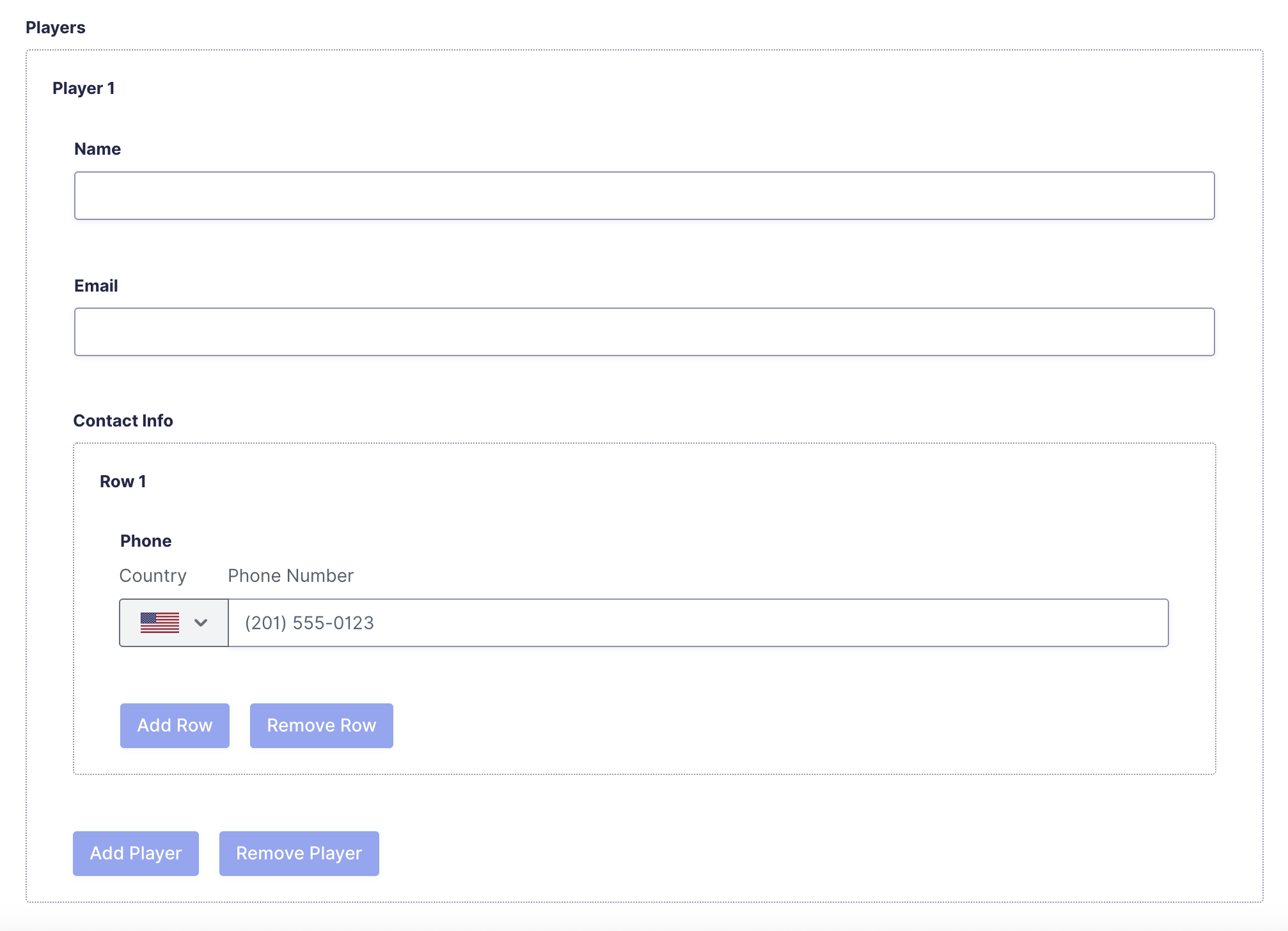
Mapping Players sends the feed’s destination the full set of players, each with their contact info entries. Mapping Players → Contact Info sends every contact info entry from every player as one combined list, without the player grouping. Mapping Contact Info → Phone sends just the phone numbers as a single comma-separated string.
Which one to use depends on whether the destination needs the full structure, a flattened list, or a simple set of values.
{
  "players": [
    {
      "3": "Michael A",
      "4": "[email protected]",
      "5": [
        { "6": "+12018291231" },
        { "6": "+12018728291" }
      ]
    },
    {
      "3": "John T",
      "4": "[email protected]",
      "5": [
        { "6": "+12012829123" },
        { "6": "+12022271123" }
      ]
    }
  ],
  "player_contact_info": [
    { "6": "+12018291231" },
    { "6": "+12018728291" },
    { "6": "+12012829123" },
    { "6": "+12022271123" }
  ],
  "contact_info_phone": "+12018291231, +12018728291, +12012829123, +12022271123"
}